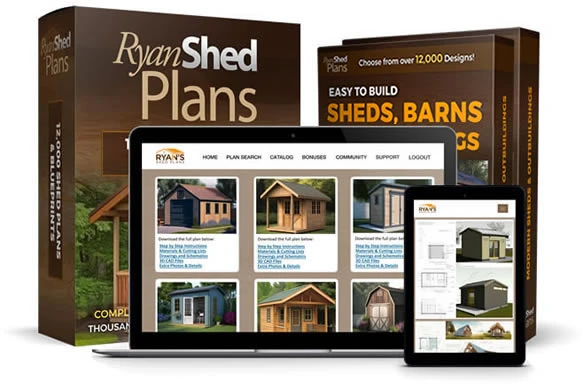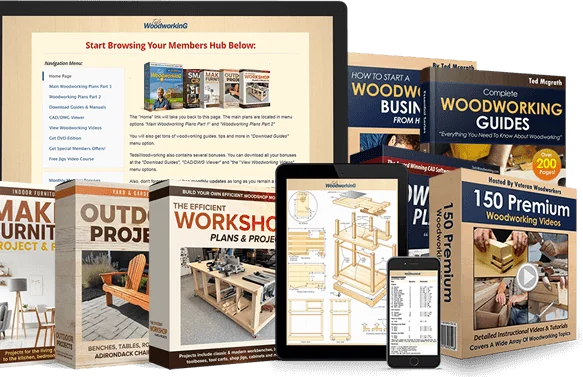
Here is an inventory of what the TedsWoodworking purchase gives you, from the plan library itself to the three extras the vendor throws in. Use it to match the package against the projects you have in mind before you pay the single $67 charge.
Look at the package on the order page
Plans, formats and extras, all listed beside the $67 charge.
Review the PackageCharged once via ClickBank
The design library
The main component is a catalogue of woodworking designs. The vendor’s count is about 16,000, which we have not verified. Each entry tends to bundle the same four things:
- Build steps. A sequence to follow from the first board to the final coat.
- A cut list. Piece sizes and quantities, written out so you can mark stock once.
- A materials list. Lumber, panels and fasteners that the build calls for.
- Exploded drawings. Views from several angles showing how the pieces join.
Designs are grouped by subject and tagged by difficulty, so a search can be narrowed quickly.
File types
There are two kinds of file in the library:
- PDF. Opens in a free reader and prints on a home machine.
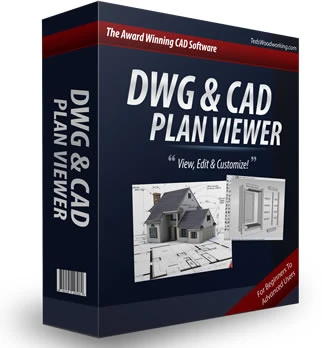
- DWG. A drafting format that needs the bundled viewer.
Measurements appear in imperial and metric on most entries, which suits builders who work in either system. The PDF guide covers opening and printing both kinds.
The three add-ons
The vendor lists three extras with the purchase. In its order:
- DWG/CAD Plan Viewer. Needed for the drafting files, and described as able to edit or make new plans as well.
- 150 Premium Videos. A video collection of more than 150 woodworking lessons, with each one walking through a task.
- Complete Woodworking Guides. Written material running past 200 pages, covering hand tools, dovetail joints and related topics.


The bonuses guide goes deeper on each extra, and the benefits page relates them to real builds.
Confirm the add-ons before checkout
The viewer, the videos and the guides are listed with the single $67 charge.
Claim the PackageSixty-day refund option
Getting into the members area
After checkout you enter the members area with a login, from any device that has a browser. The vendor describes access as immediate. A tablet at the bench is handy for a drawing, and a printout from the PDF works when you want paper.
Monthly additions and a custom-design request form also live in the members area. The request form carries no fee in the vendor’s wording, though it is the vendor’s promise and not ours.
What falls outside the package
Several costs stay with you:
- Hand and power tools. The vendor says most designs assume a table saw, a drill, clamps and a sander.
- Stock. The materials list shows what to buy, and you pay the lumber yard yourself.
- Single designs. Not sold separately, so the library is one purchase.
- Structural sign-off. Designs are not engineered to any building code, so local approval is on you.
A physical copy
A DVD or USB version can be added at checkout. We did not see its price on the pages we reviewed, so check it on the order page before you add it.
Start with the library itself
Search by subject or difficulty and open the design that suits your shop.
Open the Design LibraryBundled with the single payment
Refund and support
If the package is not right, write to the vendor’s help desk through its support page, citing your order details, within the 60-day window. The vendor promises money back within two days. ClickBank’s order desk at clkbank.com handles payment questions.
Safety and local rules
Designs are only the starting point. Nothing in them meets a building code, so check with your local building office before any shed or other structure. Keep eye and hearing protection on, and read every tool manual. The viewer is needed for DWG files, and a free reader covers PDFs.
For more detail, see the safety notes, and the FAQ for common questions about access.
Match the package to your project
Plans, formats and three add-ons, for one payment of $67.
Get the PackageDigital access after checkout