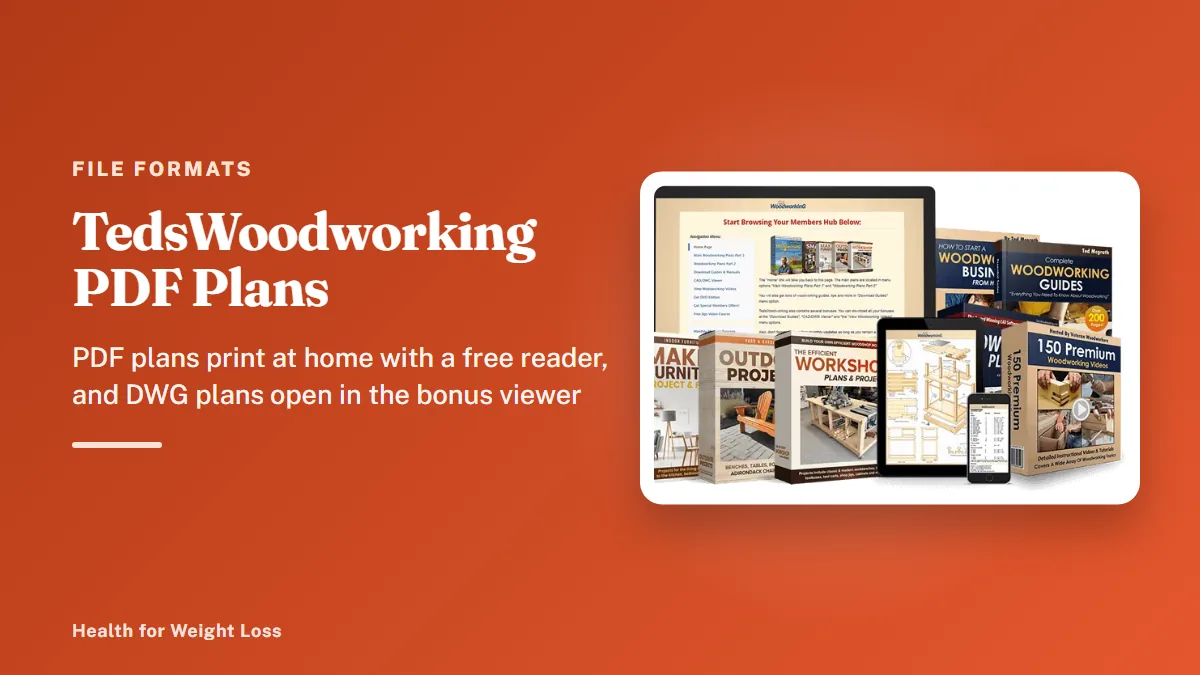
A Teds Woodworking PDF is the file type you will most likely print, so it deserves a plain explanation. The library delivers its plans as PDF and DWG files, and the PDF side works with a free reader and an ordinary home printer. This page covers how those files open, how printing fits in, where the bonus viewer comes into play and what the seller says you need on hand.
Get the printable plans
PDF and DWG plans in one members area, for a single payment of $67.
Unlock the PDF LibraryCheckout is handled by ClickBank, the retailer
Teds Woodworking PDF plans: how they open
Each plan that comes as a PDF opens in any free PDF reader. The seller names Adobe Reader as an example, and nothing about the file requires a particular program. Open the plan, scroll to the cut list, then move on to the drawings. Because the reader is free, the PDF side of the library costs you nothing extra beyond the one payment.
Give the file a quick look before you print it. If a page looks cramped on your screen, zoom in rather than working from a small thumbnail.
Printing the plans at home
Printing is the simplest route, since a paper sheet can sit on the bench next to the lumber. Printing only the cut list and the materials list keeps the stack short, and you can leave the drawing open on a screen while you work through the pieces one by one. Send the file to a home printer, then lay the pages out in order. Before you cut anything, measure a printed dimension against a ruler. That habit catches a scaling setting that went wrong in the print dialog, and it costs only a minute.
Most plans use imperial and metric measurements. Read the units at the top of the cut list so you do not mix them halfway through a project.
Choosing the right file for the job
Both file types have a place, and the choice is practical rather than a matter of taste. Pick PDF when you want paper at the bench, a printed cut list to tick off and a drawing you can pin up. Pick DWG when you want to zoom into a joint on a screen or make an edit in the viewer. Some projects will suit one format better than the other, so look at the file list on each plan before you settle on a method.
DWG files and the bonus viewer
Some plans also come as DWG drawings, the format used by CAD programs. A PDF reader cannot open those. The order includes the DWG/CAD Plan Viewer, which the seller describes as software for opening DWG plans. The seller adds that the viewer can also edit and create plans, so it does more than open a file.
A DWG drawing also carries the detail of a plan in a form CAD software can read, so the viewer is the place to zoom in on a joint or check a dimension. If you never work with CAD, the DWG side will matter less to you. The PDF plans cover the same projects in a format that prints cleanly, so you can use the library without the viewer.
Checking each file after the download
Open each downloaded file once before you need it at the bench. A quick open confirms that the reader launches, that the pages appear in order and that a DWG file loads in the viewer. Doing this at a desk, rather than in the middle of a cut, means any problem shows up while there is still time to fix it. Note the file name next to the project folder, so you know which download belongs to which plan.
Phones, tablets and computers
The members area is the place where the files are gathered. You sign in with your login and download what you need. The seller says the area works from a phone, a tablet or a computer, so you can save a plan on one device and print it from another. Store the downloaded files in a folder you can find again, and keep the confirmation email with your order details in case you need to write to the seller later.
Keeping a plan folder that works
A library gets messy quickly when downloads land in one heap. Create a folder for each project, name it after the plan and keep the cut list and the materials list in that folder beside the drawing. When you come back to a plan later, the folder shows what you already bought and what still needs cutting. The same habit works for printed sheets: punch the pages and keep them in a binder, one project per section.
Set up a folder for your first project
Pick one PDF plan, print the lists and keep them together from day one.
Find a PDF PlanCheckout by ClickBank · single payment of $67
The TedsWoodworking hub is the reference point for the product facts, so bookmark it alongside your project folder.
Why unofficial PDF copies fall short
A search for free PDF copies of the library will turn up pages that offer the files without a payment. Those copies sit outside the members library the seller describes. They leave out the monthly additions, the custom plan request form and the seller’s support route, and you have no way to confirm what a stranger has changed in a file. For the real library, use the order route on this site.
Physical copies and the tools list
A physical copy is one more option, and the seller also offers it at checkout, alongside the digital files. That is a separate choice made on the order page, and the digital files remain the core of the product.
Per the seller, most plans expect a table saw, a drill, clamps and a sander. Plan the tools before you shop for lumber, since the list on each plan is the honest guide to what you need.
| File type | What opens it | Notes |
|---|---|---|
| Any free PDF reader | Prints on a home printer | |
| DWG | DWG/CAD Plan Viewer (bonus) | Also edits and creates drawings, per the seller |
| Units | Imperial and metric on most plans | Per the seller |
| Access | Phone, tablet or computer by login | Members area |
Choose the files you will print
Open the library, pick a PDF plan and print it before you buy a single board.
Open the Members AreaOne payment of $67 · ClickBank is the retailer
What to look for in the plan file
A well-made plan lets you check the work at each stage. Start with the cut list, which names each piece and its size, then compare it with the materials list. The exploded-view drawings show how the pieces fit, and the step-by-step instructions tie the drawings to the actions you take. If one of those parts is missing from a particular plan, the seller’s description of the library says what each plan should contain, so you know what to expect.
For a fuller look at the product, the TedsWoodworking hub collects the facts in one place, and the what-is walkthrough shows the order from sign-in to download. The bonuses article explains the viewer and the other add-ons in more detail.
Print your first plan this week
Print at home, open DWG files in the viewer, and start with one clear plan.
Start With the PlansSingle payment of $67 · keep your confirmation email
The contents list shows the same parts from the seller’s side, and it pairs well with the file notes above before you check out.


