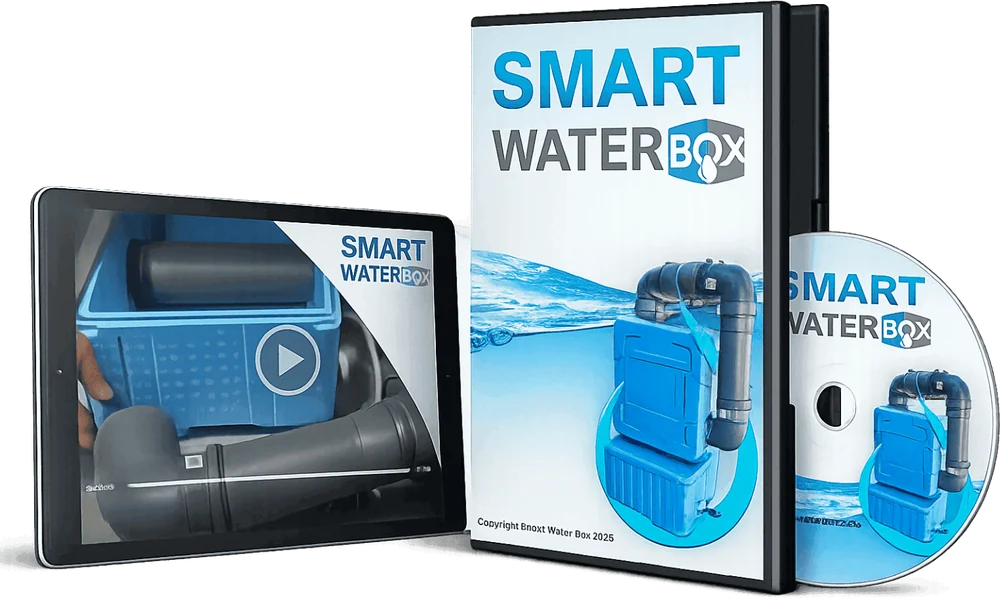
The dependable way to get Smart Water Box runs through the vendor’s order page, opened from the buttons on this site. This page explains why that route matters, what to check once you arrive, and how to keep your records tidy from the first click.
Buy through the vendor’s own page
Begin at the vendor’s checkout rather than a search result or a copied page. Third-party sellers and file-sharing sites can change the product, the total and the refund steps without notice, and none of them can offer the vendor’s own support route. Going direct keeps the order and any later refund tied to the vendor’s terms.
The order runs through ClickBank, which acts as the retailer. ClickBank operates the checkout, so payment and the order record follow its process. Questions about the order itself go to clkbank.com.
Place the buy through the vendor’s own page
This route keeps the order, the refund steps and the vendor’s terms in agreement.
Order Through the Official PageBacked by a 60-day money-back guarantee · save the confirmation email
What to read on the checkout
Four things deserve a look before you enter payment details. Check the total, because the front page shows no price and the vendor’s pages do not agree on the amount. Check the format, which the front page leaves unstated. Check whether any charge repeats. Check the web address, so you know you are on the vendor’s page.
Note the total and the format before you confirm. If the order differs from what you expected, that note gives you a fixed point of comparison.
Why other sellers are a poor bet
Copies of a product page often carry a different total or a different refund promise, and they may send your questions somewhere other than the vendor’s support address. A third-party seller can also sit outside the refund route described here. Staying with the official page is the simplest way to know which terms govern your order.
For the same reason, file-sharing sites that offer the guide free are not a route we would point you to. They offer no vendor support, and they offer no refund route at all.
Keep your records
A simple habit helps here. Before confirming, take a screenshot of the total and the format on the checkout, and store it beside your confirmation email. If the details change on the vendor’s pages later, you will still have a record of the terms you saw when you ordered.
Keep the confirmation email from the order as well. It holds the details you will need if you ask for a refund. Keep the vendor’s support address close by too, which is [email protected].
The refund route
The vendor backs the order with a 60-day money-back guarantee. If the order does not suit you, write to [email protected], say you want a refund, and quote the order details from your confirmation email. Refunds post within 3 to 5 business days, according to the vendor. That is the whole route, and it is the strongest reason to order through the vendor’s own page.
Verify the total before you pay
The total, the format and the refund steps are the three things to confirm before you pay.
Go to the Order PageClickBank is the retailer · order support at clkbank.com
Water and electrical care after ordering
An order does not change the safety picture. Any water needs treating or testing before anyone drinks it, since the yield tracks humidity and temperature. Cooling parts and wiring bring shock and fire hazards, so bring in qualified help for any wiring. Check local rules before altering a home, because the vendor’s disclaimer says some alterations may be illegal where you live.
Final steps before ordering
Buy from the vendor’s own page, check the total, format and charges there, and keep your confirmation email. If you need your money back, use the vendor’s refund email and allow 3 to 5 business days for the refund to post. The full review covers the offer in more depth before you commit.
Ready to buy through the vendor’s own page?
Confirm the details on the checkout, then keep your confirmation email with the refund address.
Get Smart Water BoxBacked by a 60-day money-back guarantee · save the confirmation email