InstaDoodle is sold as three rolling monthly tiers: $47 for Standard, $67 for Pro and $127 for Agency. Each one continues until you end it. This page breaks down what every figure covers, how the refund condition relates to credit use and where to confirm the final number before any money moves.
See the monthly figure for each tier
Standard at $47, Pro at $67 and Agency at $127, each charged on a monthly cycle.
See the Monthly FiguresCancel anytime · keep your confirmation email
InstaDoodle official prices
Standard plan
Billed monthly, cancel anytime per the seller
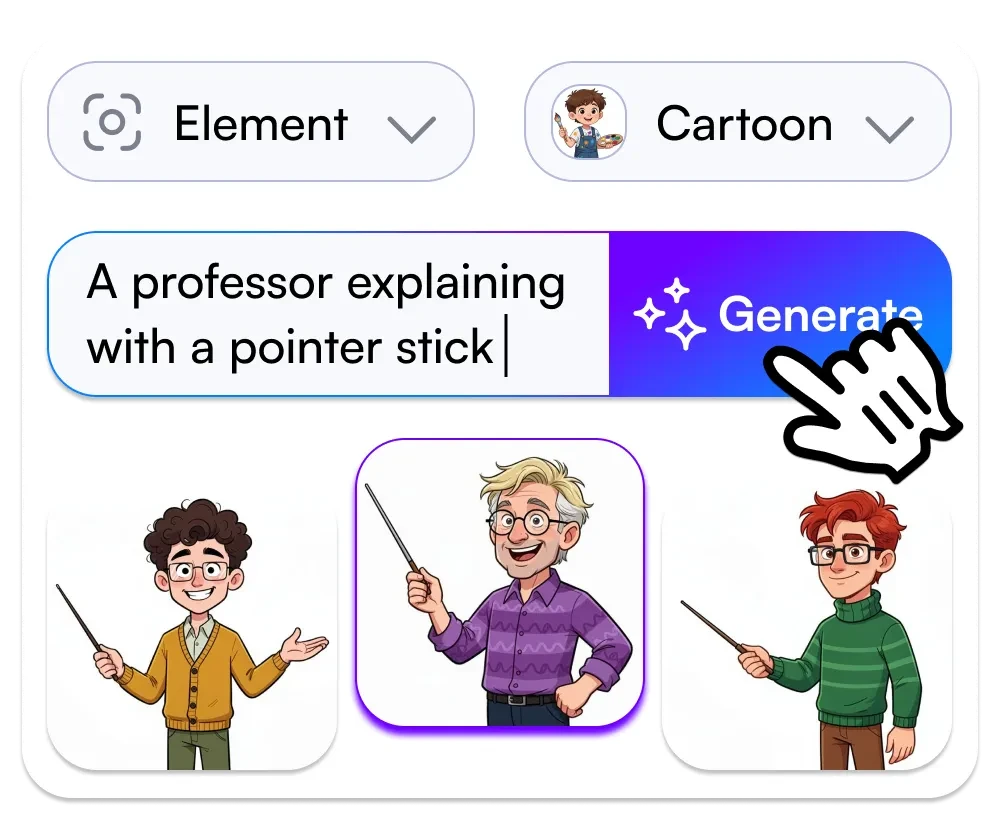
$47/month
$47 total
- Drag-and-drop editor and the option to upload your own images, per the seller
- Picture-to-doodle, with 150 AI credits included, per the seller
- Image editor with a background remover, and the DoodleAI engine
- 1080p HD export, 6 animation types and 6 AI styles
- 14+ templates, 8 drawing hands, 1,000+ built-in doodle elements and slide transitions

Most features
Pro plan
Billed monthly, cancel anytime per the seller
$67/month
$67 total
- Everything in Standard, per the seller
- 3,000+ PRO doodle elements and characters, 8 more hands and PRO AI styles
- 20 pro fonts, custom pro backgrounds and 4x variations per element
- Priority AI queue, 2K and 4K export and custom font uploads
- Commercial license, VIP support and the 20 Background Music Tracks bonus, listed under this plan
Agency plan
Billed monthly, cancel anytime per the seller
$127/month
$127 total
- Everything in Pro, per the seller
- AI Wizard, a script generator with automatic project creation
- InMotion, for uploading your own videos, plus transitions and 1,000+ animated elements
- AI Voices, with 6 voices in 30+ languages
Prices as published on the official order page (checked November 24, 2026). Tax and the final total are shown at checkout.
The three figures side by side
| Tier | Monthly figure | Who usually weighs it |
|---|---|---|
| Standard | $47 | People who need the editor, the image tools and the 150 credits |
| Pro | $67 | Makers who want more elements, bigger exports and the commercial license |
| Agency | $127 | Teams that also want scripts, uploads and voice tools |
The official page presents these as each tier’s monthly price. The order screen repeats the tier name and figure, so read that screen against the table before you finish.
What each monthly figure buys
A single figure covers one tier for one billing cycle. The listing describes each tier as cancellable at any time with no contract. The features attached to each figure are set out on the what’s included page.
Standard holds the editor, the image tools and the 150 credits. Pro expands the element set and the export options. Agency adds the script, upload and voice tools on top of Pro.
The Pro bonus
Pro carries one bonus in the listing: 20 Background Music Tracks. It is attached to the Pro tier and does not appear as a separate charge. The cover is shown below.
Set the three tiers against your own workload
Check which tools you truly need, then match the monthly figure to that set.
Choose a TierBilled monthly · confirm the total on the order screen
The guarantee and the credit line
Every order carries a 60-day money-back guarantee. The condition that governs it is tied to credits. The refund policy refuses a refund when more than half of the credits in your plan have already been used. On Standard that line sits at 75 credits, because the tier includes 150.
To file, open a ticket at help.instadoodle.com with the subject Refund Request. Include your account email, the date you paid and the order number. The publisher states that an eligible refund is sent out within 7 calendar days once it has what it needs. Keep your confirmation email until that is resolved.
Canceling a tier does not produce a refund, and a refund ends your access. Renewal charges and top-ups carry no new guarantee.
Fitting the figure into a budget
A monthly figure sits well beside other recurring costs. Add it to the list of software you already pay for, then compare it with the number of clips you plan to make. A tier that renews while you produce little is a drain, and the cancel option is how you stop one.
If the work comes in short bursts, track output for a few cycles before you choose a tier. Pro and Agency make the most sense when their extra features get used every month rather than occasionally. Write down the clips you finished in each cycle, the credits they took and whether any feature went unused, because that record turns a guess about the right tier into a fact you can act on.
Taxes, extras and the final screen
If the checkout adds a tax or another line, it should appear on the order screen before you confirm. The terms also say that the contracting seller is named at checkout. Read the tier name, the monthly figure and that seller name, then continue only when all three match this page.
Confirm the monthly total before you subscribe
The tier, the monthly figure and the seller all appear on the order screen before payment.
Open the Order ScreenKeep your confirmation email · help.instadoodle.com for refunds