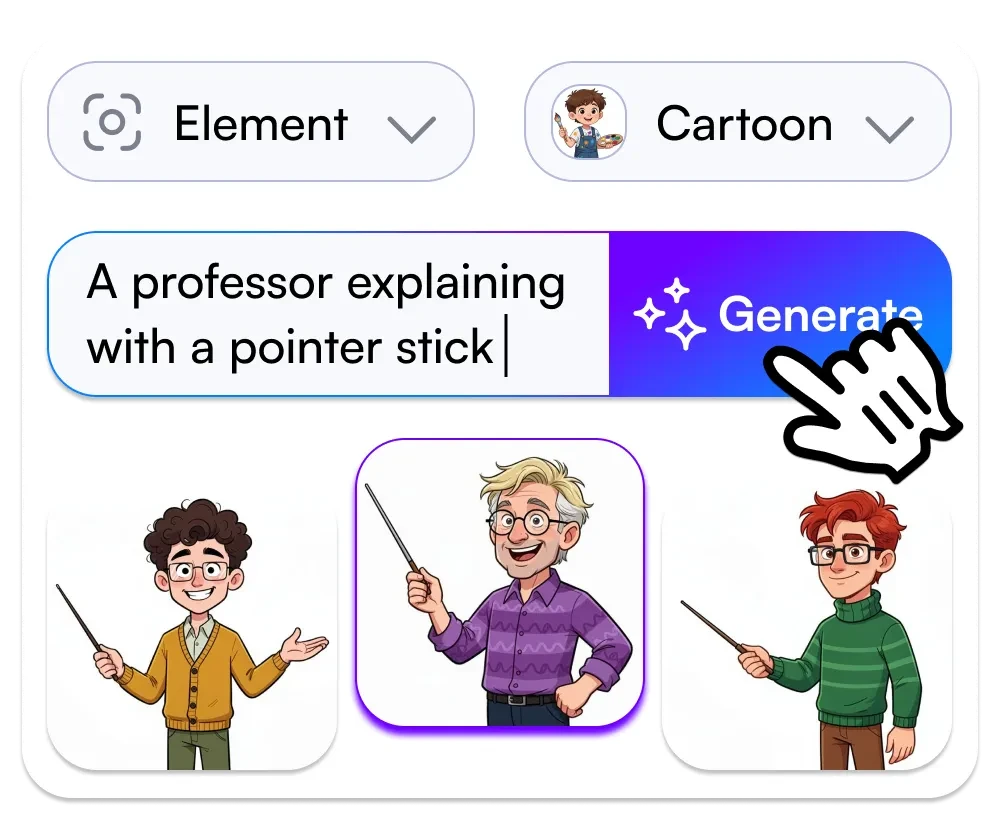
Explainer videos often stall at the drawing stage, when the first frame still does not exist. InstaDoodle aims to shorten that wait: you describe the scene, the engine produces the first version, and you refine the slides from there. Each benefit below comes from the publisher’s own list, paired with the limit that comes with it.
Turn one scene idea into a first draft
Describe the scene, let DoodleAI draw the cast, then shape the slides and the sound.
Start From a PromptMonthly tiers · cancel anytime per the listing
Begin with a drawing, not a blank screen
The first advantage is the starting point. People who sketch whiteboard videos often lose time before anything appears on the canvas. With InstaDoodle you enter a short scene, perhaps a manager reviewing a sales chart, and the engine returns characters, props and a backdrop to build on. The listing puts 1,000+ built-in elements on Standard and 3,000+ PRO elements on Pro, which gives you a broad pool to draw from.
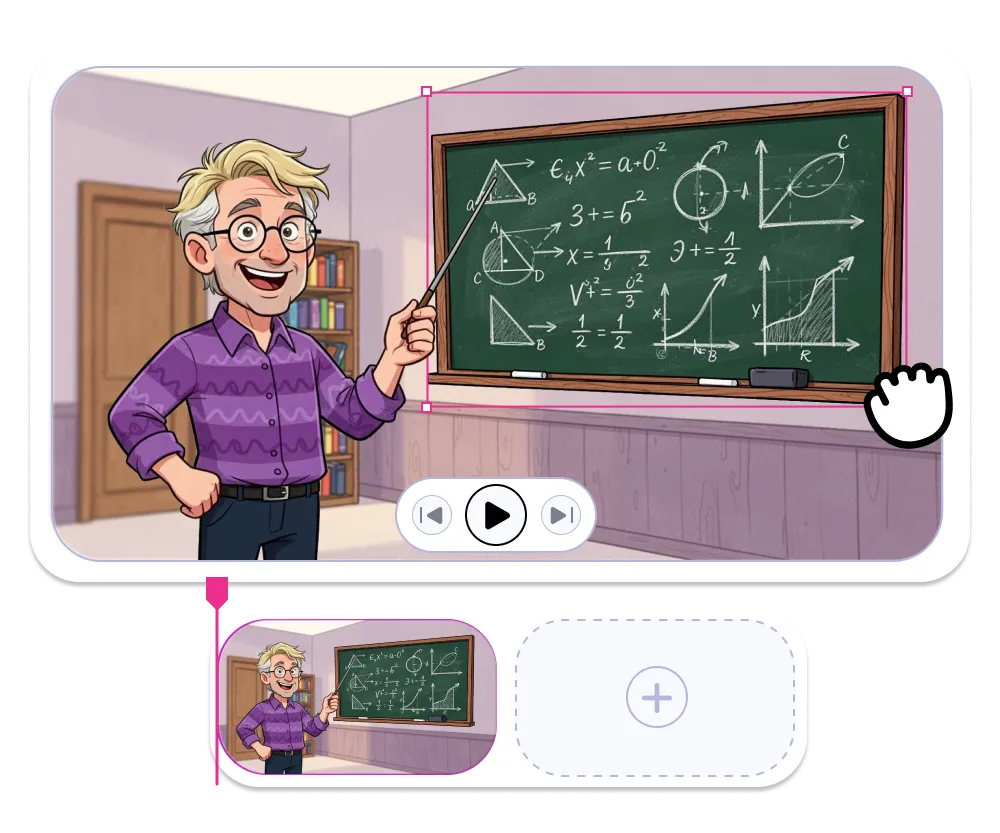
The catch is that the first draft still needs your eye. A drawing can read well in a thumbnail and still call for a different pose or prop once it plays.
Control the rhythm of each scene
The second advantage is motion. The listing names six animation types, among them Draw, Wipe, Slide, Fade and Pop In, and it includes slide transitions in Standard. Deciding which element enters and when keeps the pacing in your hands.
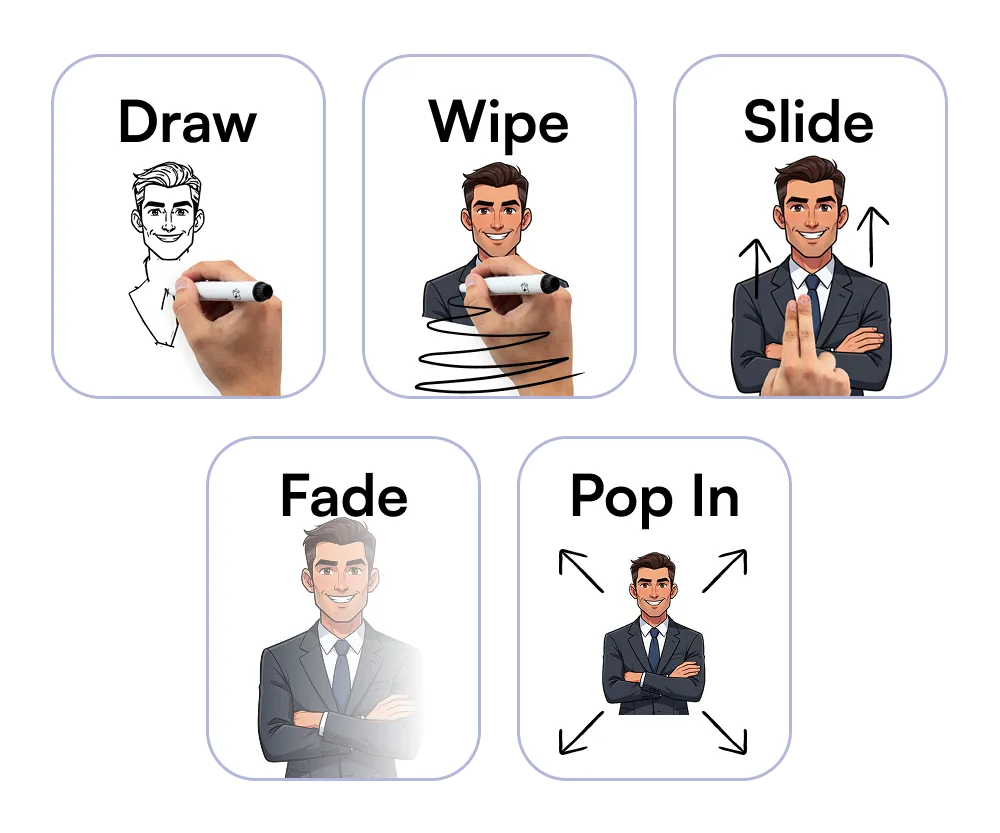
Motion takes a few projects to feel natural, so expect the first clips to need extra timing passes.
Layer in narration and music
The third advantage is audio. A project can hold generated narration, your own recorded voice and background music together. Agency adds AI Voices, which the listing describes as six voices across more than thirty languages. Pro carries a bonus set of Background Music Tracks.
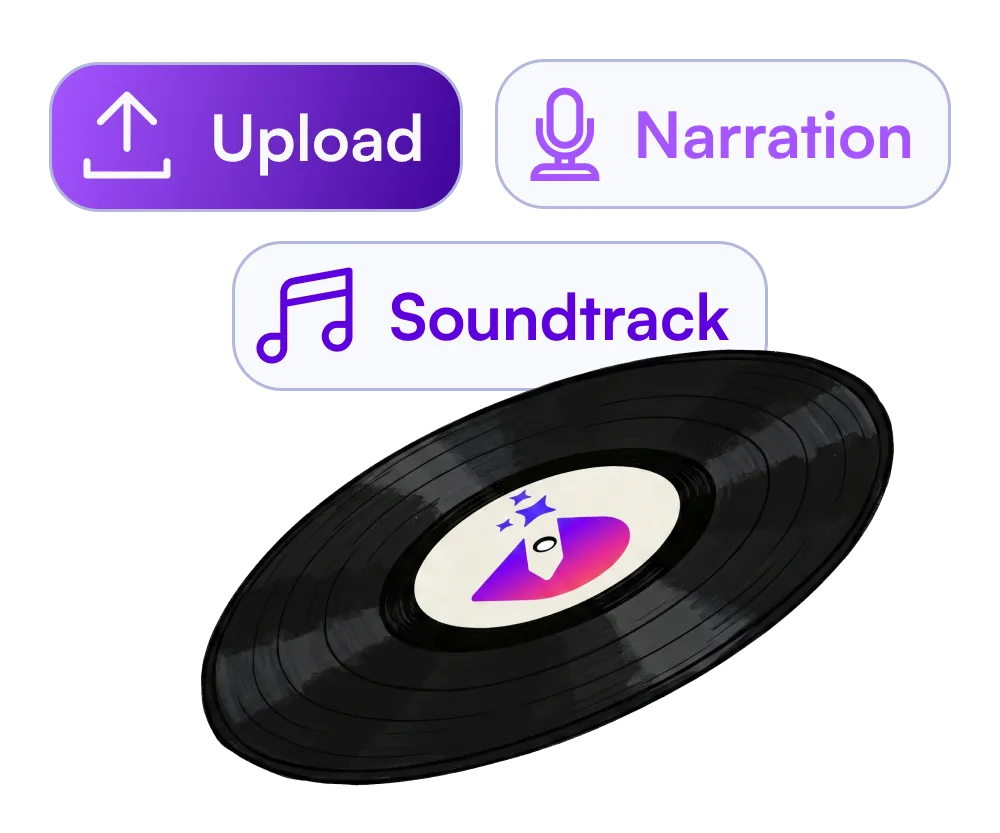
Generated narration deserves a listen before release. Check spellings of names and any technical terms, since the listing makes no promise of a flawless read.
Export for the platform you target
The fourth advantage is the frame shape. The listing offers 16:9, 9:16, 5:4, 4:5 and 1:1, so one idea can become a widescreen lesson, a vertical clip or a square post. Standard exports at 1080p HD, and Pro and Agency add 2K and 4K.
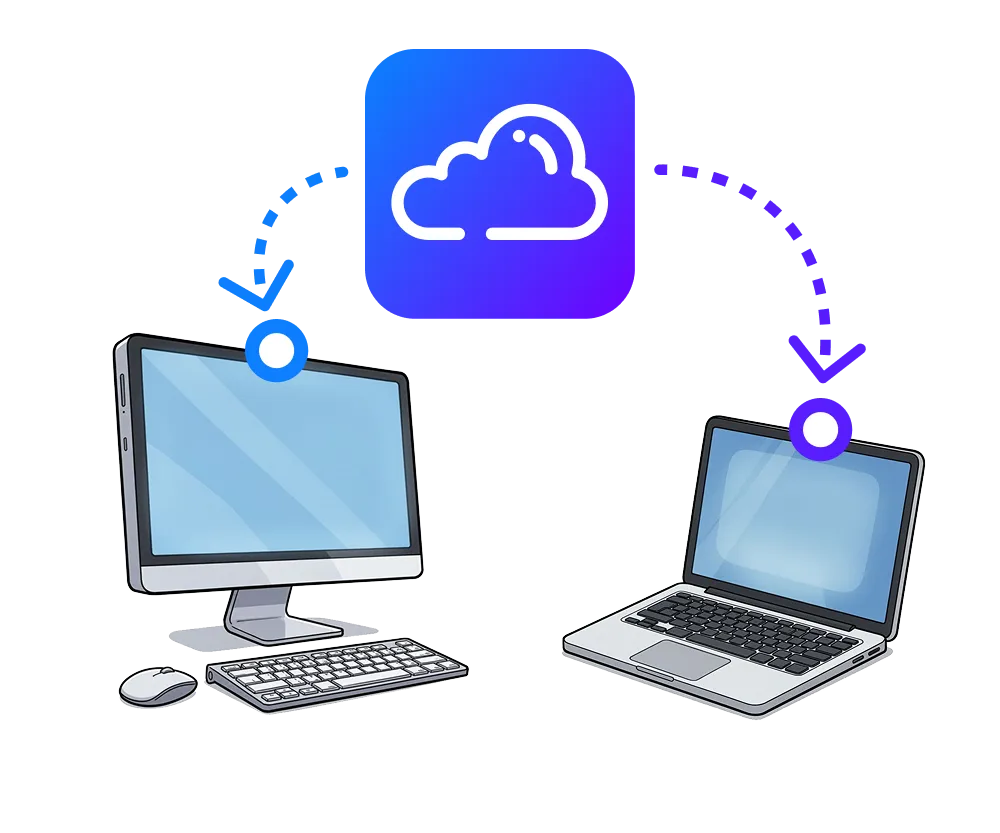
The fifth advantage is access. Because the app lives in the cloud, you work from a browser on whatever device you have, and nothing needs installing.
Bring in your own pictures and footage
Picture-to-doodle suits a business that already owns product photos or headshots. The listing describes turning a photo into a sketch-style image in looks such as color, anime or black-and-white. Agency also includes InMotion, which accepts footage you upload.
Two cautions apply. Use only pictures and clips you have the rights to, and remember that uploads move through the publisher and outside AI providers under its terms.
Monthly tiers that follow a production schedule
Monthly billing is a benefit for some people and a cost for others. The official page lists Standard at $47 a month, Pro at $67 and Agency at $127, and the listing says you can cancel at any point. If you produce clips every month, a fixed monthly line can be easier to plan around than a tool that charges extras as you go.
The trade-off is that the subscription renews until you end it, so put the renewal date on your calendar when you start.
Choose the tier that matches how often you produce
Standard covers the core editor and 150 credits; Pro and Agency add the larger library and extra tools.
Compare the Monthly TiersConfirm the tier and price on the order screen before you pay
The benefits at a glance
- A drawn first draft from a prompt, built with DoodleAI and a library of built-in elements.
- Eight hands and six animation types on Standard, as the listing states.
- Narration, uploads and music handled inside one project.
- Four frame shapes and a square, for different platforms.
- Browser access with no installer.
- Monthly tiers you can end at any point, according to the listing.
Where the advantages stop
Several limits sit beside these advantages. The credit rule can shut the refund route once more than half of the included AI credits are spent. The commercial license appears on Pro and Agency only. AI output may not qualify for exclusive copyright protection, so review it before publishing. Per-action credit costs can change under the terms.
The safety page covers the data and rights questions in depth, and the FAQ answers the guarantee questions buyers ask most often.
See how the advantages fit your clips
Run the workflow on the tier that matches your monthly output, and keep the confirmation email.
Open the Tier OptionsCancel anytime per the listing · a 60-day money-back guarantee applies