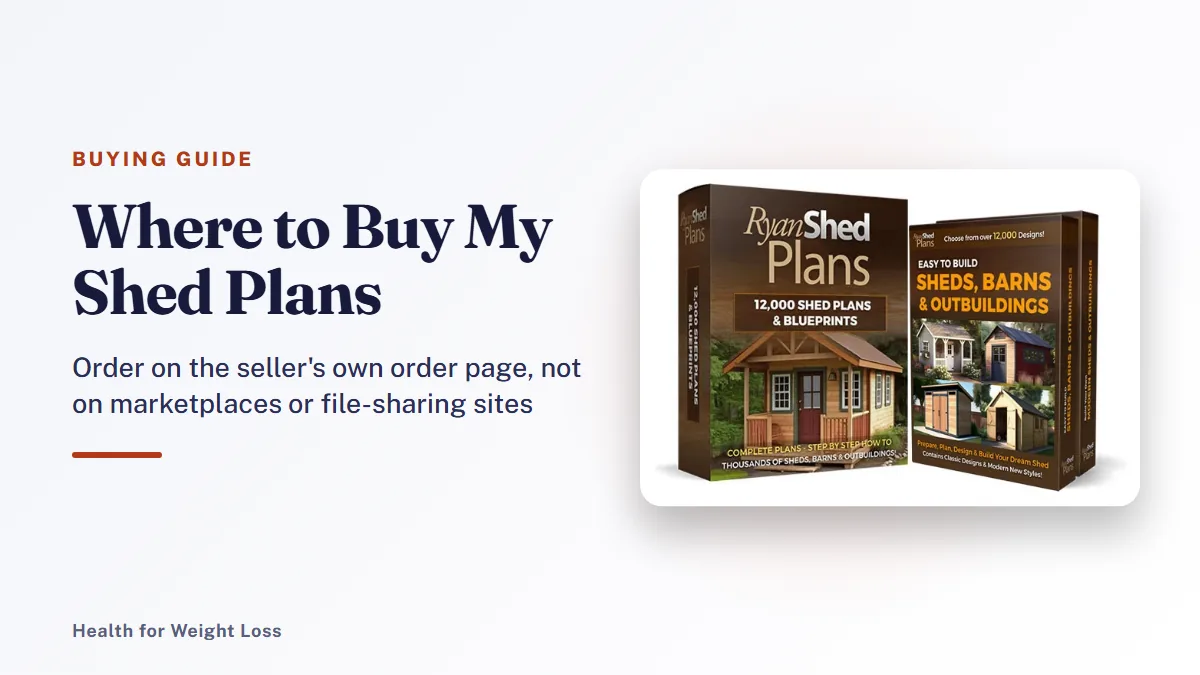
Where to buy My Shed Plans? Order through the official order page, using the buttons on this site. They lead to ClickBank’s checkout for the seller’s offer, which is one payment of $37. Ordering that way keeps the purchase on the offer described here and leaves you with a confirmation email to hold for any later support or refund request.
Order on the official page
One $37 payment through the checkout these buttons open.
Go to the Order PageCheckout handled by ClickBank
Where to buy My Shed Plans: the short answer
Use the order button on this site. It sends you to the ClickBank checkout for the seller’s single $37 offer, and nowhere else. The rest of this page explains why that route matters, what to check on the screen, and what to keep afterward, so you can run the order without guesswork.
Why the order page matters
The order page is the one place where the seller’s offer and its terms line up with the price in this guide. Listings found elsewhere are not that page. They can show different wording, a different total or no clear route to the help desk. Before you pay, check the total against $37 and read the terms on the page you are on. If the two do not match, close the page and start again from a button on this site. The order page is also where the terms you agree to are shown, so a quick read of its wording is part of the purchase. If you are unsure about any term, contact the seller’s help desk through its ticket form before you pay, and keep that ticket with your confirmation email.
Step by step to the order
- Press any order button on this site. It opens the checkout for the seller’s offer.
- Confirm that the page shows a single payment of $37 for My Shed Plans.
- Read each line of the order summary, including any optional add-on, and choose only the items you want.
- Complete the payment. The final total, with any tax the checkout adds, appears before you confirm.
- Open the confirmation email and keep it in a folder you will remember.
Four steps, then the library
Check the total, confirm the payment and keep the receipt.
Start Your Order at $37Single payment · ClickBank is the retailer
Each step is short, but skipping one tends to cause the most trouble later. Step five matters most after the payment, because the confirmation email is the copy of the order details you are most likely to need. Take a screenshot of the confirmation page as well, so you have a second record if the email is delayed.
Checking the order summary line by line
The summary on the checkout is where your order becomes concrete, so read it as you would read a receipt before you sign. Check the product name, which should be My Shed Plans. Check the amount, which should be a single $37 payment. Check the billing currency and the country you selected, since a wrong country can change the figure shown. If there is a line for tax, confirm that it is the only addition beyond the $37. Only then enter your card or PayPal details, because the summary is the last point where a mistake is easy to correct.
What you see at checkout
The checkout is handled by ClickBank as the retailer, so the charge and its statement come through that route. Look for the single $37 line, and confirm there is no monthly charge in the summary. If you see a separate line for the optional DVD-ROM, read it before you continue, since the seller offers that disc at checkout. The DVD is a PC copy of the core plans, and per the seller it ships in 12 to 18 working days.
After the order: where help comes from
Support for the library runs through the seller’s help desk. It is staffed 8am to 6pm Monday to Friday, per the seller, and it works through ticket forms rather than phone calls. Include your order details from the confirmation email in any ticket. For payment questions the seller does not settle, ClickBank order support is available at clkbank.com.
Common points to check when the checkout stalls
If the checkout page does not load or stops partway, a few ordinary checks often help. Make sure you opened the page from a button on this site rather than from an older bookmark. Confirm that your browser allows the checkout to open and does not block pop-up windows. Re-enter your email address carefully, because a single typo can send the confirmation to the wrong inbox. If a payment is declined, check with your card provider before retrying, and leave the first attempt’s details out of any support message you send later. These checks cover the usual causes of a page that will not move forward.
A quick check before you click
Before you press the order button, run through a short list. Are you on this site? Does the page you reach show one payment of $37? Do you have an email address ready for the confirmation? Is a free Adobe Acrobat Reader installed, since the plans are PDFs? Having those answers ready keeps the order from stalling halfway through. Ask yourself, too, whether the library’s roof forms and lists match the projects you have in mind, so the order rests on a clear reason.
Ready for the order page?
Confirm the $37 total, then complete the one payment.
Order My Shed Plans for $37ClickBank order support at clkbank.com · keep your confirmation email
After you have the confirmation email
Once the confirmation arrives, treat it as the reference for everything that follows. Keep it in a folder with the library notes you make, and add a line for the date you received it. If you later need to reach the help desk, the order details inside that email are what the ticket should quote. Keeping the email, the order details and any ticket replies together means you will not need to rebuild the history from memory. The product hub has the product details to keep alongside it.
If the email does not arrive, look in your spam and promotions folders, then check the address you typed at checkout. Only after both checks should you raise the matter through the help desk ticket route, quoting the name and email address used for the order.
Keep reading before you order
The what-is guide explains how the members area works once you are inside, and the PDF guide covers the zip downloads and the reader you need. If you want the refund steps before you buy, the money-back guide sets them out. The where-to-buy sub-page keeps the same ordering route in catalog form, and the hub lists the product facts.
Order from the button and keep the email
Ordering through the official order page is the simplest route, and it leaves a clear trail: one checkout, one payment of $37 and one confirmation email. Keep that email with the plans, and you will have everything you need if you ever contact the help desk or ClickBank.
Order from the official page
Same $37 offer, same checkout, with support from the seller.
Open the Official Order PageOne payment · confirmation email to keep


