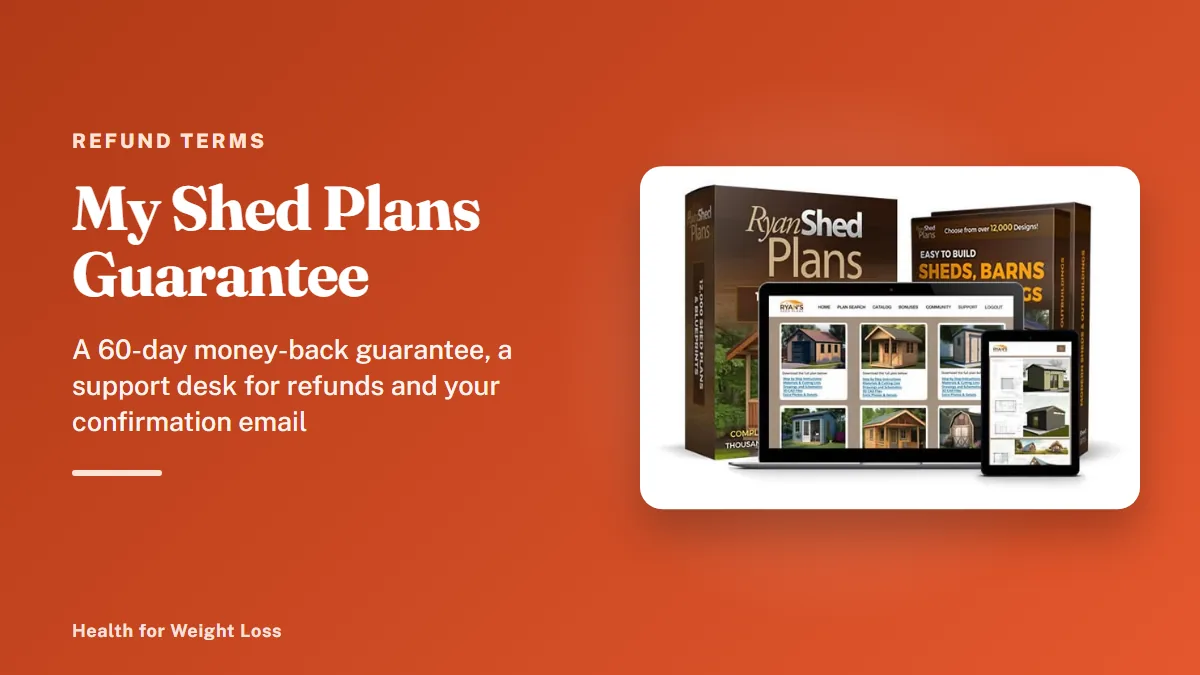
My Shed Plans carries a 60-day money-back guarantee on its one $37 payment. Getting your money back is a short sequence: hold on to your confirmation email, write to the seller’s help desk with the order details, and turn to ClickBank order support if a payment question stays unresolved. This page walks through each step in the order you would take them.
Order with the refund route in view
The refund promise travels with the one $37 payment.
Order Now for $37ClickBank is the retailer · keep your confirmation email
My Shed Plans money back guarantee: what it covers
The refund promise is tied to the order itself, which is the library at $37. Under it, you can ask for your money back during the 60 days the seller describes. It is a refund route, not a promise about how the plans turn out, so it sits next to the plans rather than standing in for them. Check the terms on the order page before paying, and store a copy of whatever you accepted.
Step one: file the confirmation email
Start by filing the confirmation email. It lists the order details the desk will request, so put it somewhere you can reach quickly and leave it alone during any inbox clean-up. If it does not appear, check your spam folder before concluding it never arrived, then write to the help desk with the name and email address you used at checkout. If you have printed any of the lists, keep the printouts with the email, but treat the email itself as the reference document.
Keep the record safe
Every refund request begins with the details in that email.
Get Your Order StartedOne $37 payment · ticket route through the seller
Step two: open a ticket with the help desk
Open a ticket on the seller’s help desk page. No phone line is offered, so the written ticket becomes your record of the request. Hours run 8am to 6pm Monday to Friday, per the seller, so sending inside that window is the safer choice. Write one clear request per ticket, so the desk can match it to your order without guessing. A short subject line that names the order and the request, such as a refund request for My Shed Plans, helps the message land in the right place. If you cannot find the ticket form, return to the seller’s page through a button on this site rather than searching for an address elsewhere, so you reach the same support route described here.
Step three: what goes in the ticket
Keep the message brief but complete. Cite the order details from your confirmation email, name the refund you want under the seller’s terms, and include the email address you ordered with. One extra sentence of context is enough. Once the ticket is sent, keep its text, so you hold the exact wording and the time you wrote it.
If the ticket thread goes quiet
A reply does not always come back as quickly as you would like. Before doing anything else, open the ticket and confirm that your message is present in the thread you started. Reply inside that same thread with a brief note that restates the order details and the request. Opening a second ticket that covers the same ground makes the history harder to follow, and it can leave you unsure which request the desk is handling. Keep each follow-up short, and note its date in your own records.
Mistakes to avoid when you ask
Most trouble with refund requests comes from small slips rather than the process itself. Do not send the request without the order details from your confirmation email. Do not bundle several questions into one message, since a single clear request is easier to act on. Do not send payment card numbers or full card details in a ticket; the order details are enough. And do not wait for a phone call, because support runs through written tickets only. Avoid pasting ticket text you wrote for another order, too, since the details will not match and the desk may have to ask you again.
When the seller’s desk is not enough
Some payment matters sit beyond the desk’s reach. In those cases the retailer is ClickBank, and its order support is reachable at clkbank.com. Bring the same order details you gave the desk, along with any reply it sent you. Keeping both in one folder, next to the confirmation email, lets you answer either team’s questions without searching through your inbox.
Keeping track after you ask
After sending, store every reply beside the receipt email, and jot down the date of each message in the same folder. If the desk requests more detail, supply it inside the same ticket thread, so the record stays in one place. Splitting the request across other channels only complicates things for you and for whoever reads the file next. When the matter is settled, add a closing note to your own file that records the final reply and the action you took, so the history is complete.
Order with the refund route
Library access plus the guarantee terms, for one $37 payment.
Start With the $37 OrderSingle payment · order support at clkbank.com
Who this guarantee page is for
This page suits three groups. Some people are weighing the library against another plan set and want the refund route laid out before they pay. Others already hold the library and want to know how a request would proceed. The last group has a payment question and needs the ClickBank side of things. Every group gets the same map: the seller’s refund terms, a written ticket carrying the order details, and ClickBank order support at clkbank.com for anything the desk cannot resolve. The product hub keeps the product facts together for reference.
Related reading before you order
Before ordering, you may want the checkout walkthrough in our ordering guide. The library overview describes the members area that any refund would apply to, and the catalog price page repeats the single $37 figure. The product hub gathers the remaining details in one spot.
The refund route in plain terms
In short, the order is one payment of $37 for the My Shed Plans library, and the seller’s refund terms apply to it. To request the money back, you write to the seller’s help desk through its ticket form, citing the order details from your confirmation email. Replies are written, and the desk’s weekday hours are the stated window, with no phone line. If a payment question remains open, ClickBank order support at clkbank.com is the next stop. Most of the effort lies in gathering the order details before you write, so keep the confirmation email open while you draft the ticket.
The guarantee is the last step
A 60-day money-back guarantee gives you a clear route if the library does not suit your projects. Keep the confirmation email, write to the seller’s desk with the order details, and involve ClickBank order support only when the payment question is still open. Those three moves cover the whole process from start to finish.
Ready to order?
The one payment of $37 and the refund route that comes with it.
Order My Shed Plans for $37ClickBank is the retailer · keep your confirmation email


