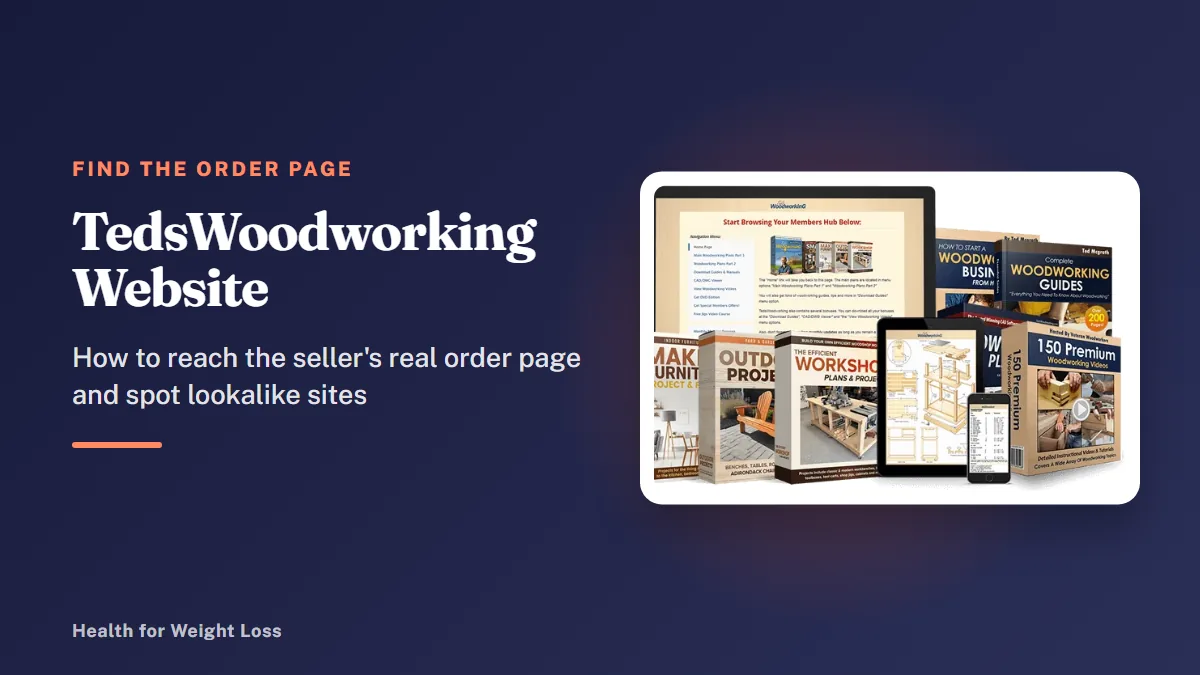
The Teds Woodworking official website is where the seller presents its plan library and sends buyers to the order page. Its pages sit on tedplansdiy.com and tedswoodworking.com. This guide shows how to find the genuine order page, what the seller’s pages contain, how to spot a copy that is not the seller’s, and why our buttons lead to the same checkout.
Reach the genuine order page
Our button opens the seller’s checkout, with the $67 total shown first.
Open the Order PageCheckout handled by ClickBank, the retailer
Teds Woodworking official website: the two domains
The seller’s landing page is published at tedplansdiy.com. Its main site is tedswoodworking.com, which hosts the support page and the members login. The two names belong to the same seller, so either one can lead you to the same plan library. Type them in yourself, or reach them from a button on this site.
Reading the seller’s pages without rushing
The seller’s sales page is long and returns to its main claims several times. Read the parts that matter for a purchase: the description of the library, the price line, the guarantee wording and the support route. The plan count, the monthly additions and the other numbers are the seller’s own, so note them as claims rather than facts. A short pass through those four parts tells you more than a full read of every paragraph.
What the seller’s pages show
The seller’s pages describe the plan library in its own words. You will find the claim of about 16,000 plans, the categories it lists, the note that plans come as PDF and DWG files, and a description of the members area. You will also find the 60-day money-back guarantee and the support page, which is a ticket form.
The order button on those pages leads to a ClickBank checkout. That is the screen where the $67 total should appear as one payment. The pages we read do not show a separate order route, so the checkout is the place to confirm the figure.
What the support page offers
The support page is the seller’s contact route. It carries a ticket form rather than a phone line, and the pages we read print no email address. Include your order details in the ticket so the team can find the purchase quickly. The seller states a 48-hour refund target, and the guarantee details appear on its pages.
Telling the real order page apart
Use a short checklist before you enter any payment details:
- The domain matches one of the two names above.
- The price reads $67, one payment, on the order screen.
- The refund route points to the seller’s support page, with a 60-day guarantee described.
- The checkout runs through ClickBank, the retailer, and not through a form that asks for card details with no price shown.
If any of those four points fails, stop. Start again from a button on this site instead.
Keeping a record of your order
Once you have bought, save the confirmation email and note which domain it came from. Compare that domain with the two names in this guide. Write down the order number and keep the support page address with it. A short record like this makes any later contact quicker, and it protects you if a copy of the seller’s pages appears somewhere you did not expect.
When to stop and start over
Stop and start over from a button on this site whenever a page feels unclear. You can close the tab without any cost. Return to our button, read the total again and continue only if the domain, the price and the refund route match the points above. Checking twice is quicker than untangling a payment after the fact.
Why our buttons matter
Our buttons carry a tracked ClickBank link. Following it takes you to the seller’s order page, so you do not have to search for the right address. That matters because the same plan library can appear under other names, and a copy found through a search may not carry the seller’s terms. A button here keeps you on the route the seller publishes.
Use the route that matches the domain
Our button goes to the seller’s checkout, where the $67 total appears first.
Check the Seller’s Order PageClickBank checkout · one payment of $67
What the seller’s pages do not tell you
The pages do not print a phone number or an email address, and they do not show a step-by-step list for refund requests. ClickBank is the retailer, so its order desk may also be part of the route, although the seller’s pages do not confirm that in detail. Those gaps are worth knowing before you pay. They are not a reason to stop, but they are a reason to keep your records tidy.
Questions to take to support
If something on the order is unclear, write to support with specific questions rather than general complaints. Ask which plan categories the members area holds, how the monthly additions are announced, what the custom plan request form covers and how a refund request is confirmed. Specific questions get specific answers, and they leave a clear written trail if you need one later.
How the pages relate to our buttons
Our buttons open the seller’s checkout through a tracked ClickBank link, and they do not pass you to a different seller page. That means the route is the same whichever button you press on this site. It does not mean the seller’s pages are ours. We have no say over what the seller writes, so read its pages with the same care you would give any seller.
Our note on the official site
We do not run the seller’s site and we do not control its pages. Our editorial score of 3.7 out of 5 is a separate view, covered in the full review. What we can tell you is which addresses the seller uses and where its support route sits. The TedsWoodworking hub collects the product facts.
Continue from the right page
Confirm the $67 total on the order screen, then go ahead.
Continue to the Seller’s CheckoutOne payment of $67 · keep your confirmation email
Where the official route leads after checkout
Once the order clears, you sign in to the members login on the seller’s site. From there the plan library opens, and you can search by category and skill level. Keep the confirmation email, since it holds the order details the support form asks for. If you need help, the support page is the route the seller publishes.
For the ordering screens in more detail, the where to buy page takes you through each step. The buying guide article adds background, and the legitimacy check explains the retailer and address facts.
Final word on the official website
The seller’s own pages are the reference for what the library contains and how the refund route works. Use the domain check, confirm the $67 total and keep the confirmation email. If all three line up, the order is on the route the seller describes. For the product facts, the TedsWoodworking hub is the right reference.
Ready to order from the real page?
$67 in one payment, with the plan library and its three bonuses.
Order Through the Official RouteClickBank is the retailer · order support at clkbank.com


