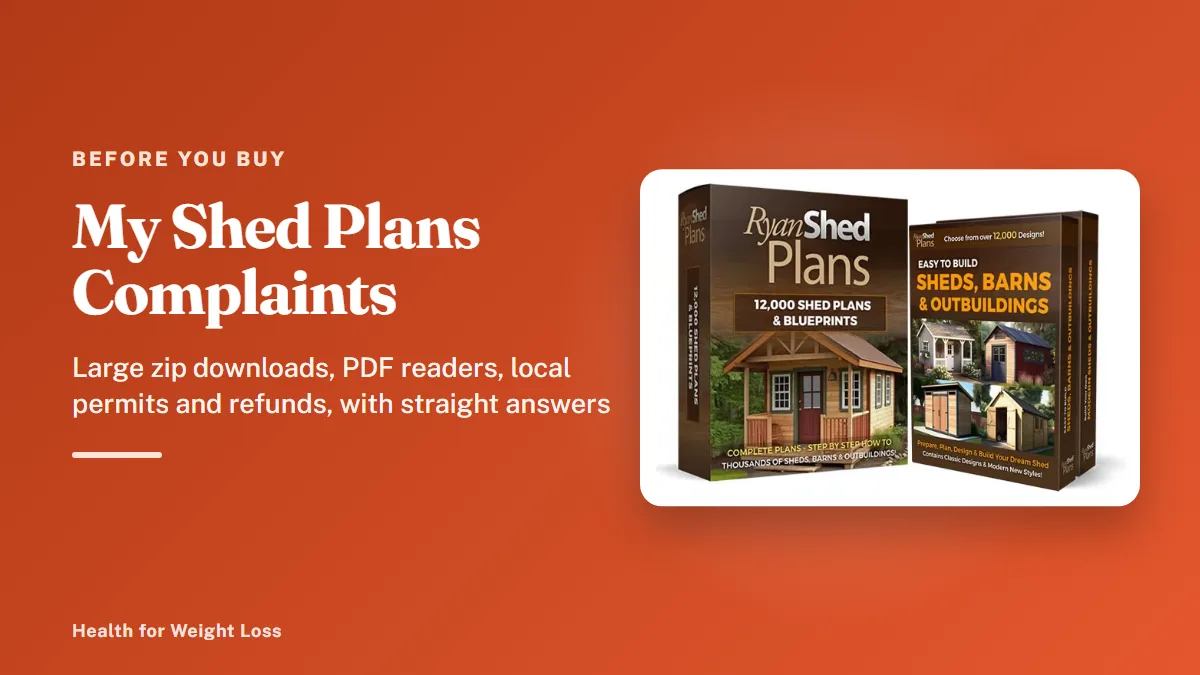
My Shed Plans complaints are worth checking before you order, so this page sets out the questions to settle first. We work from the seller’s own support answers and from the rules that apply to any shed, rather than from a list of grievances. For each question we explain how it is handled and where the answer comes from, so you can plan ahead.
Settle your questions first
Answers on downloads, the PDF reader, permits and support, before you commit.
Check the Plan LibraryClickBank is the retailer · keep your confirmation email
My Shed Plans complaints: the questions worth settling
The seller’s support material answers a handful of practical questions. Each has a clear answer, and none of them is a reason to stop. Each one is a point to prepare for before the first download.
Large zip downloads and the PDF reader
The plans arrive as zip files, and the seller says the zip files are large and can take a while to download. Start the download on a stable connection, and keep the files together in one folder so the search tool can cover them all. The zip files hold PDF documents, and the seller says one PDF can contain several blueprints. Use the PDF search function to find a size or roof type, and install a free Adobe Acrobat Reader before your first download.
Local permits and building rules
The seller does not claim that its plans meet a building code, and no plan set can make that claim for you. Check your local permit rules, size limit, setback and foundation requirements before you build. Some places require a permit even for small sheds, and a plan set cannot tell you what your town asks for. Your permit office is the source for that answer.
Ticket-only support and no phone line
Support runs through ticket forms, staffed from 8am to 6pm, Monday to Friday, per the seller. No phone support is offered, and no email address is printed. Write your question with the product name and your order details in the first message, so the first reply can resolve it without a back-and-forth. Where you can, put one clear question in each ticket. Several linked questions in one message make the reply harder to follow, while a single question gets a single answer you can act on.
The refund route and what it needs
The seller states a 60-day money-back guarantee. Keep your confirmation email, because the order details in it are what the desk will ask for first. If the seller’s route does not settle a payment question, ClickBank’s order support at clkbank.com is the next step. The money-back page walks through the refund steps in order.
Plan the questions, then the order
Downloads, the free reader, ticket support and a 60-day money-back guarantee.
Order the $37 LibraryOne payment of $37 · order support at clkbank.com
Download time and storage room
The zip files are large, so the first download is the slow step. Before you start, check the free space on the drive where you keep documents, and leave the browser open until each zip finishes downloading. Once a zip is on your computer, its PDFs open from that folder. The hub describes the same formats in its catalog entry, so you can check the wording side by side.
Taking a plan to the permit office
A plan is a design aid to bring into your permit conversation, not a permit itself. Print the plan sheet you are considering, note its dimensions, and ask the permit office for its size limit, setback and foundation rules before you change anything. If the office asks for a stamped drawing or a professional review, that request comes from your local rules, not from the seller. A plan that looks right on paper can still need changes for your lot, so leave room for that answer.
Support answers in writing
Ticket support leaves a written record, which helps when a question has more than one part. Keep the ticket number and your order details in the same note as the confirmation email. If a reply does not answer the question, reply in the same ticket and restate the one point you still need settled. A short, specific follow-up makes the next reply easier to act on.
Refund requests step by step
- Find the confirmation email and note the order details it holds.
- Open the seller’s ticket form and state that you want a refund under the 60-day money-back guarantee.
- Put the order details and your reason in one message.
- Keep the reply and the ticket number with the confirmation email.
- If the seller’s route does not settle a payment question, write to ClickBank’s order support at clkbank.com.
Work through the questions in order
Downloads, permits, written support and the refund route, each settled before you pay.
Order With the Questions SettledSingle payment of $37 · keep your confirmation email
Using the PDF search on a plan
Because one PDF can hold several blueprints, the search function does most of the sorting. Search for the roof style, the width or the word for the part you need, then move through the hits in order. If a result does not match your size, return to the search with a different term rather than paging through the whole file. Print only the pages you intend to use, so the paper set stays small and easy to read at the bench. Our hub gives the same format note in its own words.
Which questions matter most to you
Not every question carries the same weight for every project. If your shed is a small garden store, the permit question may be the simplest to settle. If you plan to work from printed sheets in a garage, the PDF reader and the printing step matter more. If you need a shape the library does not list, the custom plan request is the question to settle first, since the seller ties that route to a two-week window. Rank the five questions by what your project needs, then take them to the seller or your permit office in that order. Whatever order you pick, settle the permit question before you buy any lumber, because the answer can change the plan you choose.
What this page does not claim
We do not list complaints, because our source material is the seller’s own pages and support answers. We do not state a count of refunds, a satisfaction score or a time to resolve a request, since the seller gives none. Treat the seller’s figures, such as the 12,000 plans and the 2 weeks for a custom plan, as the seller’s claims.
Our verdict on the questions
Each question has a practical answer. Prepare a PDF reader, check local rules, write tickets with order details and keep the confirmation email. With those in hand, the main limits of the library are the seller’s own claims and the size of the downloads. The PDF guide explains the file side in more detail, and the review sets out our score. The FAQ sub-page collects the catalog answers, and the My Shed Plans hub holds the product facts in one place.
Ready once the questions are settled?
$37 in one payment, with the plan library and the four bonuses.
Get the Plan LibrarySingle payment · a 60-day money-back guarantee applies


