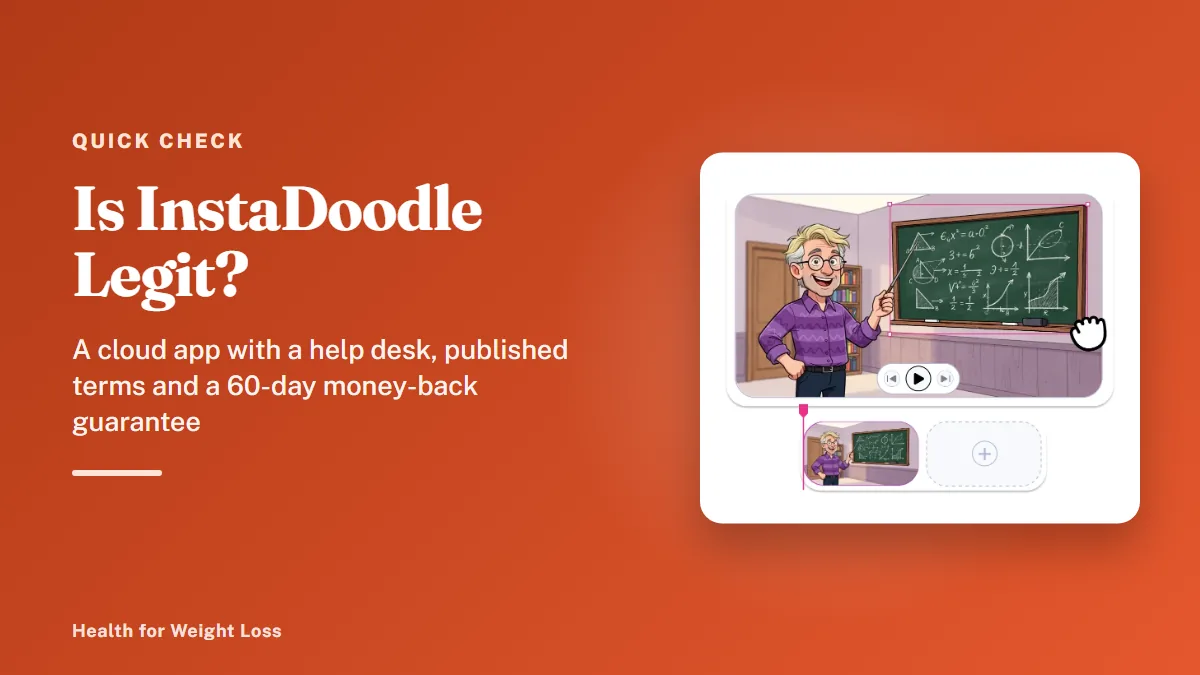
Is InstaDoodle legit? Before a monthly plan takes your card, the honest answer is that it depends on what you verify. The seller presents a cloud app with a help desk, public terms and a written refund policy, and it lists three plans from $47 a month. This checklist separates what the seller says about itself from what you should confirm on the order screen, and it names the questions that stay open.
Run the checks on the order screen
Confirm the tier, the monthly figure and the seller before you agree.
Check the Order ScreenPlan, price and seller are listed on that screen first.
Is InstaDoodle legit? The short version
The seller places the basics in public view: a named product, a plan list, a help desk, terms and a refund policy. Those are ordinary features of a business that expects questions and answers them in writing. They do not close every question, though. Use the points below as steps you finish before ordering, the way you would with any subscription, and not as a sign-off from us. The InstaDoodle hub lists the seller’s facts in one place. Our own 3.8 out of 5 editorial rating sits in the same middle ground: a clear offer with several points you still need to check yourself.
Five things to confirm on the seller’s pages
- One product name. The seller uses InstaDoodle consistently across its plan list, feature list and refund section.
- A ticket-based help desk. Support lives at help.instadoodle.com, where tickets are opened and followed.
- Published terms. The terms name the contracting seller and any merchant of record, and say those details appear at checkout and on the receipt.
- A written refund policy. It covers the 60-day money-back guarantee, the credits condition and the steps for a request.
- Stated billing. Plans are monthly, and cancellation is open at any point, per the seller.
Every item is something the seller says about itself. Your job is to confirm each one on the order screen, where the tier and figure appear. The seller says it offers no free version, so these checks happen before any payment rather than after you have paid.
What the cloud model means for your files
The seller calls InstaDoodle 100% cloud based, and it runs in a modern browser on Mac, Windows or another device. Nothing is stored on your disk, which is convenient, but the work travels. Prompts, uploads and projects go through the seller’s systems and through third-party AI providers, according to its terms. Read those terms before you send anything personal, and leave out any upload you have no right to share.
Reading the refund rule with numbers
A 60-day money-back guarantee applies, and one condition matters more than its length. The seller’s policy withholds a refund once more than half of the included AI credits have been spent. On Standard, with 150 credits, the line is crossed after 75 are used. To make a request, open a ticket at help.instadoodle.com under the subject Refund Request, and include your account email, payment date and order number. Keep your confirmation email, because it carries the order details. The seller says an eligible refund goes out within seven calendar days once it has enough information, and a refund brings your access to an end.
Monthly renewals and ending a plan
Plans renew until cancelled, and the seller says you can stop them at any point with no contracts. Stopping a subscription does not refund anything by itself, so asking for money back is a separate request. Renewal payments and top-ups do not come with a fresh guarantee. Put the next renewal date somewhere you will see it, so a quiet month does not turn into an unplanned charge.
Order only through the official page
Monthly tiers start at $47, and the order screen shows the exact figure.
Review the Monthly TiersMonthly until ended · a 60-day money-back guarantee with a credits rule
Open questions you still need to settle
Some matters remain for you to confirm, and naming them is more useful than hiding them.
- Credit cost. The seller’s terms say the cost of each action may change, so your monthly credit use can vary.
- Copyright in output. AI output may not qualify for exclusive protection, so the clips you make may carry limits on ownership. Keep a copy of the terms you accepted, so you can point to the exact wording later.
- Commercial rights. The commercial license is listed on Pro and Agency. On Standard, the plan terms set what you may do with a video.
- The seller’s identity. The terms place it on the checkout screen and the receipt, so confirm it there before you pay. When the name on the checkout screen matches the one in the terms, that is one of the quickest checks you can make.
None of these points is a reason to assume bad faith. Each has a written answer in the seller’s terms, and reading those answers before you pay closes the gap.
Questions to put to the order screen
The order screen is the last checkpoint, so bring a short list to it:
- Does the tier name match the one you picked on the seller’s plan list?
- Does the monthly figure read $47, $67 or $127, and does the screen say the plan renews?
- Is the seller named, with the terms referenced on that screen?
- On Standard, do you accept that the commercial license is listed only for Pro and Agency?
- Do you understand the credits condition on the refund rule before you confirm?
If any answer is no, pause and compare the figures again before you confirm.
What a refund request looks like on paper
Written out, a refund request has five parts: the subject line Refund Request, the account email on the order, the payment date, the order number and a short note of what you want. The seller’s policy then asks the desk to review the request against the credit condition. While that review runs, the seller asks you to stop using credits. If the review concludes in your favour, the refund ends access to the plan. Keep every reply inside the same ticket, so the record stays in one place.
Ordering without second-guessing the route
Use the official order page for the tier you want. Pick the tier, read the monthly figure and check the screen before you confirm. Save the confirmation email somewhere you check often. For a plain guide to the data and rights side, see the safety notes, and for the tier numbers, see the price guide.
Read the credit line before you start
Standard starts you with 150 AI credits, and the refund condition is tied to how many you use.
See the Credit TermsMonthly until ended · keep your confirmation email
Our verdict on legitimacy
The seller shows the features a careful buyer looks for: a named product, a help desk, published terms and a written refund rule. The open items concern credits, copyright and licensing, and each has an answer in the seller’s own terms. Our 3.8 out of 5 credits the clear offer and marks down the places where the detail sits in the terms. For the fuller assessment, read our InstaDoodle review before you choose a tier, and visit the InstaDoodle hub for the complete set of plans.
Check the checklist, then choose
Three monthly tiers from $47 a month, each billed until you end it.
Go to the TiersMonthly until ended · keep your confirmation email


