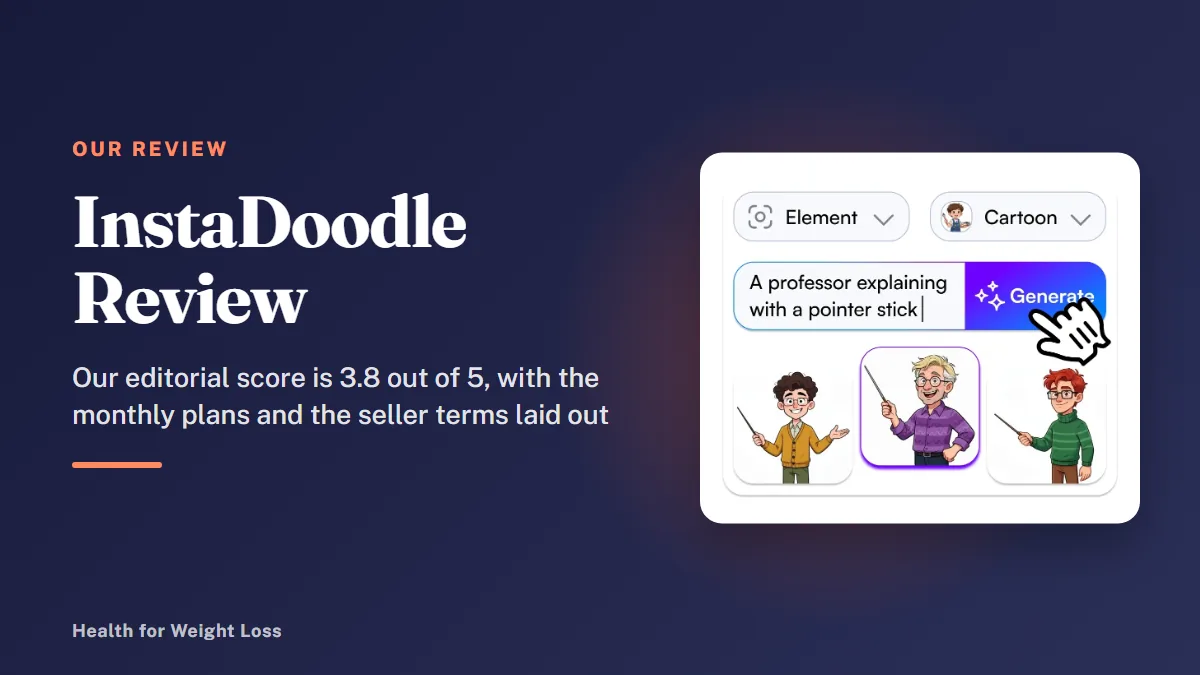
An InstaDoodle review has to answer a practical question first: does a browser tool that builds whiteboard-style doodle videos from a text prompt match the videos you already make? The seller presents InstaDoodle as a cloud app with nothing to install, sold through three monthly plans that start at $47 a month. We set out what the app does, where it earns its score and where it asks for care, then close with our 3.8 out of 5 editorial score.
See how the monthly plans line up
Standard from $47 a month, Pro from $67 and Agency from $127.
Compare the Monthly PlansThe order screen lists plan, price and seller ahead of payment.
InstaDoodle review: what the app does
Picture a drawing room that takes its instructions from your sentences. You describe a scene, the seller’s DoodleAI engine sketches the characters, props and backdrop that fit it, and then you sequence the scenes, choose the motion for each piece, lay down narration or music and export. The seller calls the product a 100% cloud service, so the work happens in a browser on Mac, Windows or any device with a modern one, and nothing needs installing first.
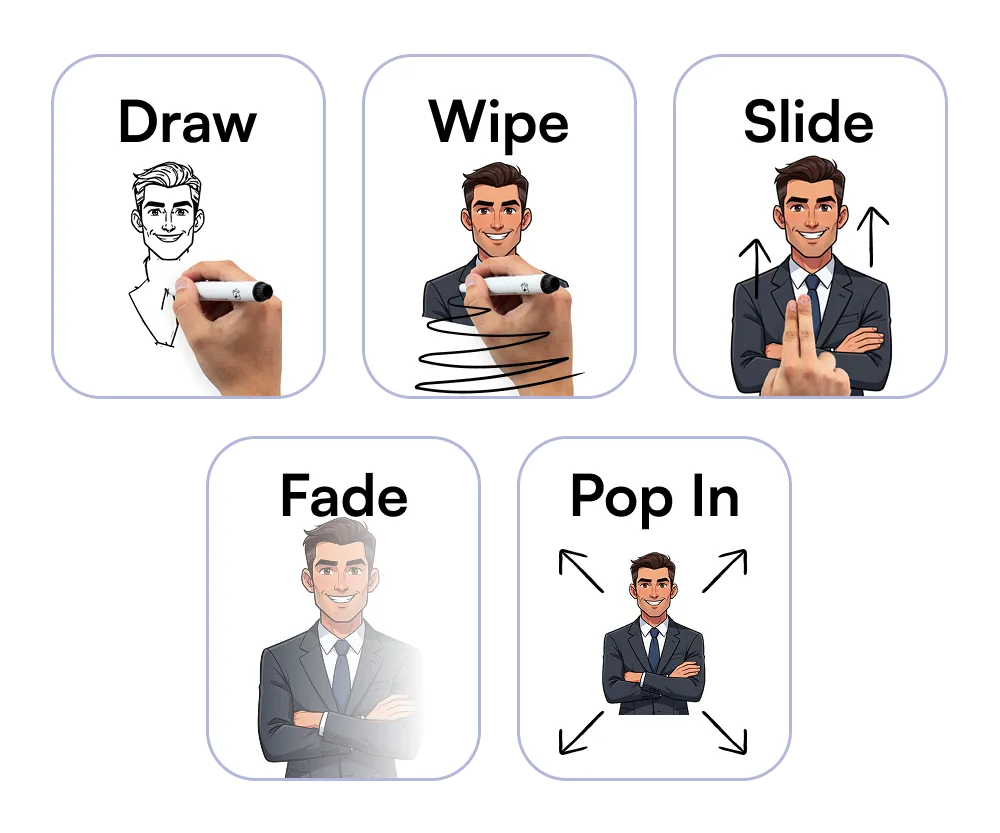
The seller’s feature list gives six animation types, eight drawing hands and slide transitions. Those are the seller’s numbers, and we repeat them as its claims rather than as results we measured.
How a project comes together
The seller’s workflow fits into four stages, and each one happens inside the same browser tab:
- Write the scene. Type the idea in plain words, and DoodleAI proposes the figures and props.
- Build the sequence. Arrange the pieces on the timeline and set how each one enters the frame.
- Add the sound. Narrate, upload a recording or pick a soundtrack, then mix in background music.
- Save the video. Choose a frame shape, from 16:9 and 9:16 to 4:5 and square, and download the file.
The InstaDoodle product hub places the same features in one comparison grid, so you can check them against the tier you have in mind.
Our 3.8 out of 5 editorial score
We score InstaDoodle 3.8 out of 5, and the figure is our editorial assessment, not a tally of buyer opinions. Six areas feed the average: features 4, evidence 3.5, transparency 3.5, value 3.5, guarantee 4 and ordering 4.5. Ordering rates highest because the plan list and the refund route are readable on the seller’s pages. Evidence and value land lower, since the big counts, such as 1,000+ doodle elements and 14+ templates, originate with the seller, and the credit cost of each action can move under its terms.
Pricing: three monthly tiers
InstaDoodle sells on three recurring tiers. Standard costs $47 a month, Pro $67 a month and Agency $127 a month. The seller notes that there are no contracts and that a subscription can be ended at any point. Standard bundles 150 AI credits, the drag-and-drop editor, picture-to-doodle and 1080p output. Pro brings the larger PRO library, 2K and 4K output, a commercial license, VIP support and a music-track bonus. Agency layers on AI Wizard, InMotion and AI Voices.
Match the tier to your credit needs
Pick the level whose allowance covers the videos you plan to produce each month.
Match Your Credit NeedsBilled monthly until you end it, per the seller.
Reading the credit rule with numbers
Credits are the part of the offer that determines when a refund still works. Standard starts you with 150 of them. The seller’s policy withdraws the refund option once more than half of the included credits are gone, which means crossing 75 used credits on Standard. Pro and Agency follow the same logic against their own allowances. Because the seller says the cost of each action may change, the easiest habit is to check your balance before you start a long project, not after.
Strengths worth weighing
- Prompt-led drawing. DoodleAI turns a sentence into characters and props, which saves the step of drawing each figure by hand.
- Photo conversion. Picture-to-doodle changes a photo into a sketch, and the seller’s illustration shows colour, anime and black-and-white versions.
- One panel for edits. Free draw, fill, eraser and background removal sit together in the editor.
- Frame shapes for several platforms. 16:9, 9:16, 4:5 and square cover video, story and slide formats.
- No installation. The seller says the product runs in a modern browser on Mac, Windows or any device.
Limits to weigh first
The seller says it offers no free version, so your first step is a paid tier. The guarantee is a 60-day money-back guarantee, but the seller’s policy turns it off once more than half of the included AI credits are spent. The commercial license appears on Pro and Agency only, so a Standard user should read the plan terms before using a clip in paid client work. Credit costs per action may shift, which makes a monthly budget harder to model.
Questions to answer before you pick a tier
Before you choose among the three tiers, answer four questions on paper. How many finished videos do you expect in a typical month? Will you need the commercial license for paid work, which the seller lists on Pro and Agency? Do you plan to upload your own footage? The seller lists InMotion, its tool for uploading your own videos, on Agency only. And can you estimate credit use closely enough to stay clear of the refund condition? Once those answers are written down, the tier choice tends to be clearer than the price table alone makes it.
Who it suits
The product targets people who explain things on screen: teachers, trainers, onboarding leads and small-business owners who need how-to clips. Anyone wanting a free tool, or unable to plan monthly credit use, should look elsewhere.
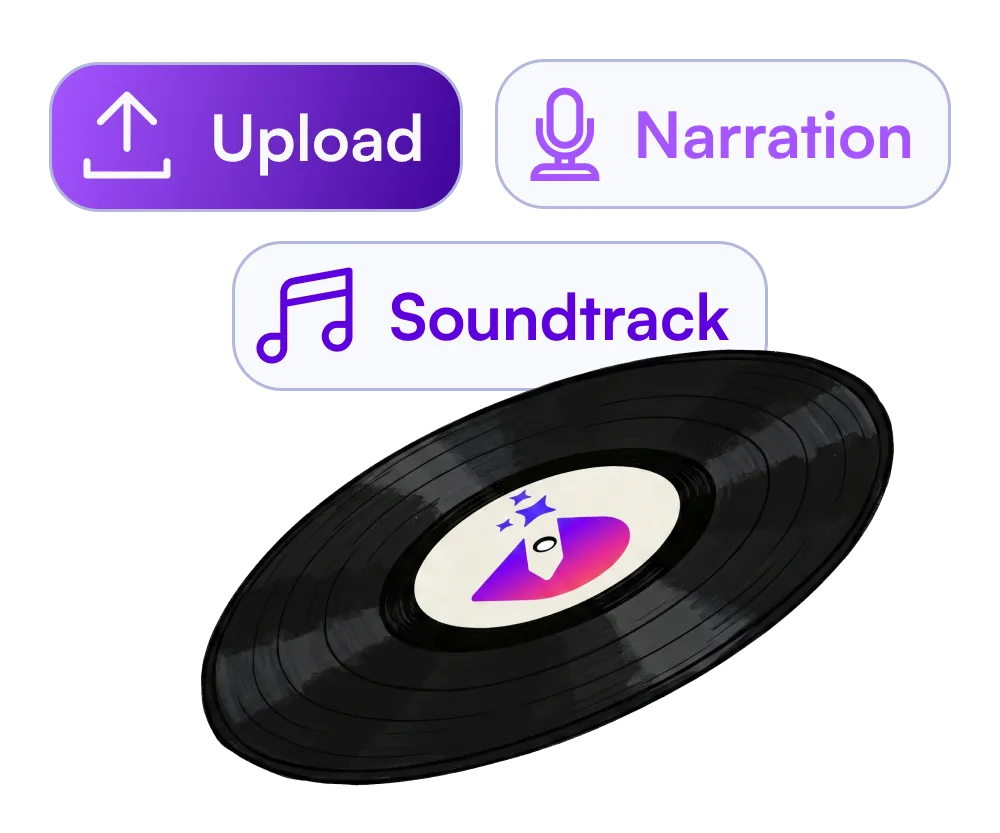
The voiceover panel offers narration, uploads and a soundtrack choice. The Agency tier adds AI Voices, which the seller lists as 6 voices across 30+ languages.
Refund path and support
Support is handled through the seller’s help desk at help.instadoodle.com. Refund asks go to the same desk under the subject Refund Request. Under the 60-day money-back guarantee, the seller commits to an eligible refund within seven calendar days once the desk holds what it needs. Give it your account email, payment date and order number. Keep your confirmation email handy, since those details are drawn from it. Ending a plan and asking for money back are two separate steps.
Open the order screen
Choose Standard, Pro or Agency and check the monthly figure first.
Open the Order ScreenThe order screen names the seller before you confirm any payment.
Our verdict
InstaDoodle is a capable browser tool for doodle-style videos, with monthly tiers from $47 and a refund route that depends on credit use. Our 3.8 out of 5 credits the feature range and the plain tier layout, and it marks down a refund condition that is easy to overlook. If the tool fits how you work and you can plan credit use, look at it closely. For the tier-by-tier figures, read the InstaDoodle price guide and the legitimacy checklist. Our 2026 round-up rechecks the plan list, the catalog review holds the short version, and the InstaDoodle hub gathers every detail in one place.
Ready to draw your first scene?
Pick the monthly tier that matches your feature needs and your credit use.
Start With a TierMonthly billing until cancelled · keep your confirmation email


