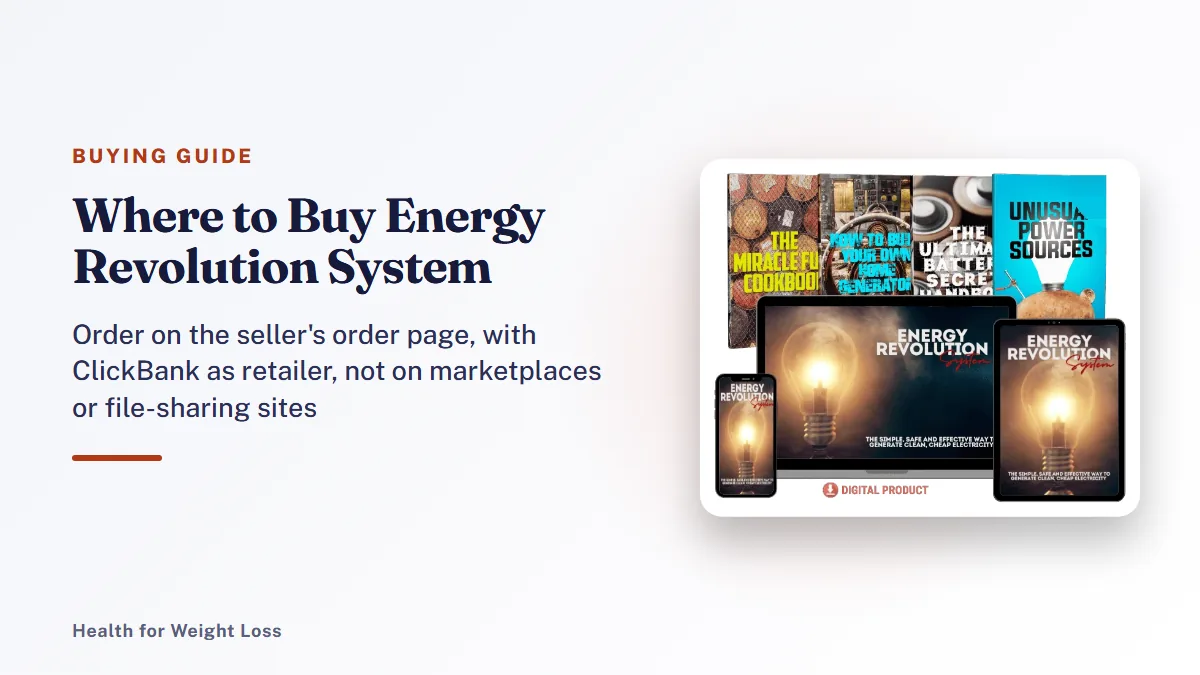
Where to buy Energy Revolution System has a short answer with one rule: order through the seller’s order page, opened from the buttons on this site. Marketplaces and file-sharing sites are not the place to buy the guide. This article explains why that route is the safe one, walks through the steps from the first click to the confirmation email, and lists what to check on the checkout screen before you finish.
Open the official order page
One payment of $39 for the PDF, reached from our button.
Open the order pageClickBank is the retailer · order support at clkbank.com
Where to Buy Energy Revolution System Through One Page
The guide is sold through a single checkout. The seller’s terms, its refund route and the confirmation email all come from that checkout, so the order page is the one place where the offer is fully described. A copy of the guide found anywhere else does not carry those terms with it, and you have no way to confirm what you would receive.
For that reason we send readers to one route only. The buttons on this site open the seller’s order page through ClickBank, which is the retailer for the sale. Choosing that route keeps the price, the refund steps and the download link tied together in one trail you can follow later.
Why marketplaces and file-sharing sites do not help
Large online marketplaces and file-sharing sites tend to list items without the seller’s full terms. A listing may show a different price, leave out the refund route entirely or offer a file that was copied or altered. Some listings carry no working link to the retailer at all, which means no confirmation email and no clear route to request a refund.
File-sharing sites raise a separate concern. A file from an unknown uploader can carry malware, and it may not be the real guide. Downloading from such a source puts the device you use for banking and email at risk, and it gives you nothing that the official route does not already offer.
Step by step: reaching the order page
- Open the order page from one of the buttons on this site, not from a search result or a forwarded link.
- Confirm that the page shows the Energy Revolution System guide at $39 as one payment.
- Read the checkout screen line by line. Any extra item appears as its own transaction, according to the seller’s FAQ.
- Enter your name and email address carefully. The download link will be sent to that address.
- Complete the payment through ClickBank and wait for the confirmation message.
- Save the confirmation email, then open the PDF with a PDF reader on the device you plan to use.
Each step is short, but the order matters. Checking the page before you pay is the step that is easiest to skip, and it is the one that prevents the most confusion later.
Order the guide the safe way
A single $39 payment, a PDF delivered by email and a 60-day money-back guarantee.
Go to the order pageKeep your confirmation email · checkout by ClickBank
What the order page should show you
A genuine order page presents the same facts this article describes: the Energy Revolution System guide, the single $39 price, the seller’s refund route and a line naming ClickBank as the retailer. If the page you reach does not show those things, stop before you enter any payment details. Compare what you see with the summary in our hub, which lists the seller’s facts side by side.
The page should also read clearly on your device. Small print, missing links to the terms or a checkout that asks for information the seller never mentioned are reasons to pause. Take a screenshot of the price line as you see it, so you have a record of what was shown when you began.
Check the page before you enter details
One $39 payment for the PDF, with the retailer and refund terms on the page.
Open the order pageClickBank is the retailer · keep your confirmation email
What to check on the checkout screen
The checkout screen is where a smooth order can turn into an unexpected charge, so a short checklist helps. Look for three things: the guide listed at $39, one payment shown as the amount you agree to, and any upgrade line that you can decline. The seller says the statement line may read CLKBANK*EnerRevolution, so a charge with a similar name is consistent with this order.
If a line you did not select appears, remove it before you confirm. If you are unsure about any line, leave the page and contact ClickBank support rather than guessing. Anything you accept at checkout is your choice, and it should match what you meant to order.
After you pay: the confirmation email
The confirmation email from ClickBank is the most important document in the order. It holds the download link, the order details and the information a refund request needs. Save it in a folder you can find later, and keep a second copy if you can. Do not delete it when you open the PDF, because the guarantee terms depend on the order record.
The seller’s refund steps are covered in our money-back guarantee article. The price detail sits in our price article, and the catalog’s official-website page explains how to recognise the genuine order page.
Common mistakes when ordering
Three mistakes come up often. The first is ordering from a link someone sent you, without checking that it leads to the order page on our site. The second is accepting a checkout add-on without reading its line. The third is deleting the confirmation email, which removes the order record. Each one is avoidable with a few seconds of care before and after payment.
If you realise you have made one of these mistakes, contact ClickBank support first, and keep every message in the same email thread. A clear record makes it easier to resolve any question about a charge.
A second reason to keep to one route is the record itself. When every step runs through the same checkout, the confirmation email, the statement line and the refund steps all point to one seller and one order number. If you ordered through a different source, those pieces may not match, and a refund conversation becomes harder to start. Keeping one route is less about caution for its own sake and more about keeping your paperwork in a shape a support agent can read quickly. Write the order number on the same note as the name you used at checkout, so the two details travel together.
Before you buy, read the rest of the offer
Ordering safely is only one step. Read the rest of the offer before you confirm. The Energy Revolution System hub gathers the seller’s facts in one place, and our review explains the score we gave the offer and the points we could not confirm. Reading both takes a few minutes and makes the checkout screen easier to understand.
It also helps to set a short note beside you while you order. Write the three things you must confirm on the checkout screen, the $39 line, the single payment and any extra line, and tick them off as you see them. A short list like that keeps attention on the screen in front of you, not on the adverts you may have seen earlier.
Once you have read the terms and checked the rules that apply to your home, the order itself is short. Use the button on this page, check the screen, and keep the email that follows.
Ready when you are
Open the order page from our button, check the $39 line and save the confirmation.
Order Energy Revolution SystemOne payment of $39 · ClickBank is the retailer


