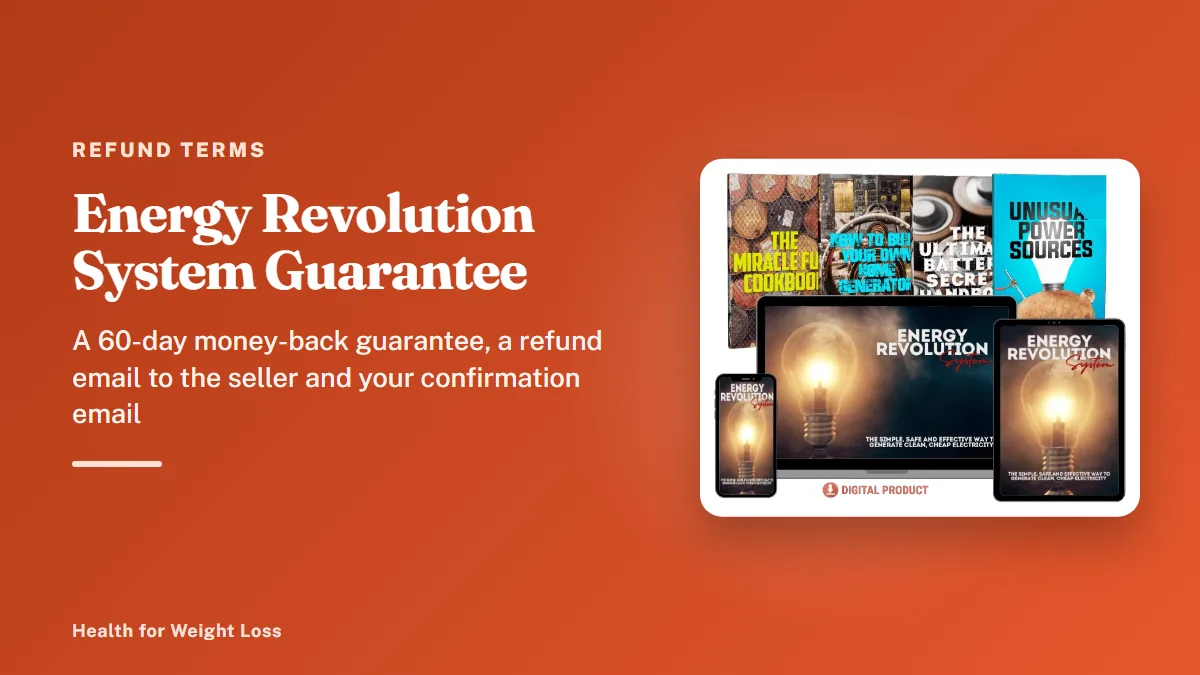
The Energy Revolution System money back guarantee is a 60-day money-back guarantee attached to the $39 order, with a written route for making the request. Below we explain what the seller’s material covers, how to put a refund request together, why the confirmation email should be filed away, and what the seller states about file access once money is returned.
Order with the refund steps in view
A single $39 payment, with the seller’s refund route written out.
Order the guide at $39Keep your confirmation email · ClickBank is the retailer
The Energy Revolution System money back guarantee, step by step
The seller’s refund page sets out a 60-day money-back guarantee for the order, and its contact page reiterates that buyers may write in to ask for their money back. Our wording paraphrases those terms without adding conditions. Where anything differs, the seller’s own pages govern.
Because the promise belongs to the seller, its exact wording is the final reference. Compare our summary with the order page before you rely on any detail, and contact ClickBank support if a point remains unclear.
Writing the refund request
- Pull up the ClickBank confirmation message and copy down the order number.
- Find the refund contact on the seller’s page. It is an email address, which we do not repeat here.
- Open a new message and state your full name in the opening line.
- Give the order number in the body, so the request can be matched to your order.
- Put Refund Request in the subject line, as the seller specifies.
- Send the message, then keep a copy in your sent items.
Brevity helps. Keep the message to the facts of the order, since the name and the order number are what the seller uses to locate your order.
Know the route before you pay
A 60-day money-back guarantee, a written request and one confirmation email to keep.
Go to the order pageKeep your confirmation email for any refund request
Filing away the confirmation message
The confirmation message links your name, your payment and your download together. It contains the order number the seller requests, so it is the item to show if a charge is questioned. Store it where you will find it, and avoid deleting it once the PDF is open.
Keep the confirmation message in its original form. Forwarding it to yourself with edits, or pasting only part of it into a note, can drop the order number or the ClickBank line that support staff look for. If you need a copy on another device, forward the untouched message and leave the original where it is.
If the message has gone missing, look in spam and promotions first. ClickBank handles order enquiries at clkbank.com, and it is worth starting that search early, because a missing order number lengthens any refund request.
What the seller states follows a refund
The seller indicates it processes a request within 48 hours. After that, the bank needs three to five business days to show the credit. Customers are asked to avoid opening a bank dispute during that window, since a dispute may slow matters down. Keep in mind that these time frames are the seller’s own description. Banks and card networks run their own schedules, and some credits take longer to appear than others, so check the statement before you assume a problem.
When the refund clears, the seller states that access to the PDF is switched off. Before you write, save any personal notes or excerpts you may need later, then send the message. Securing those details first makes the rest of the process simpler.
Reading the guarantee with a level head
A money-back guarantee gives a route out if the order fails to meet your expectations. It is strongest when you know the mechanics beforehand. Reading the terms ahead of checkout heads off most surprises, and so does reading them slowly rather than skimming at the payment screen.
The guarantee does not settle every question. It leaves the local-permit question open, and it leaves the home-safety rules exactly where they were. Our review describes what the seller’s pages do and do not show, and it pairs well with these steps.
The guarantee also leaves a few tasks with you. Check your own bank statement once the credit should have appeared, keep the PDF safe for as long as your access lasts, and make sure your request goes to the email route named on the contact page rather than to an unofficial channel. Those three habits cost little and remove most of the guesswork.
Questions to settle before you write
Several questions are worth answering before you send anything. Work through them on paper, because the answers shape what goes into the message and which record you need to keep.
- Is your confirmation message to hand, with the order number visible?
- Does the name in your message match the name on the order?
- Have you read the refund steps on the contact page yourself, rather than relying on a summary?
- Have you saved any PDF content you may want later, given that access ends after a refund?
- Are you aware that an extra line accepted at checkout may need a separate request?
If an answer is missing, close that gap first. ClickBank can help with the order record, and the seller’s contact route is best used once the details are in front of you.
Checking the guarantee against the checkout
At checkout, the guide should appear at $39 as one payment. Additional items show as separate transactions, so decline anything you did not mean to take. Each such item may require its own request.
Store a screenshot of the total if your device allows it. Together with the confirmation message, it gives you a clear trail. Our price article walks through the charge, and the price page in our catalog lists the same figures in a table.
Order with the refund route in hand
A single $39 payment for the PDF guide, with a 60-day money-back guarantee.
Order Energy Revolution SystemOne payment through ClickBank · keep your confirmation email
Keeping your records in one place
Refund requests tend to go more smoothly when the paperwork is organised before the first message is sent. Create a single folder and place the confirmation message, a screenshot of the checkout total and any notes about the PDF inside it. Name the folder with the product name and your order number, so you can find it in seconds. If you later contact the seller or ClickBank, send only what is needed. A short, accurate description of the order is usually enough.
Keep one more habit. Write down the date and time of each message you send, and paste in any reply that arrives. That record shows the sequence of events if a question about timing comes up, and it saves you from relying on memory. The hub lists the seller’s facts in one place, so you can check any detail against it while you assemble the folder.
Where to find the rest of the offer
The guarantee is one part of the offer. Delivery, price and contents are covered on the Energy Revolution System hub, and the ordering steps appear in our where-to-buy guide, which explains how to reach the order page through our buttons.
Read the terms, keep the confirmation email and use the refund steps only if you need them. A calm, well-documented order is the simplest route to either keeping the guide or getting your money back.
Keep the refund steps close
$39 for the PDF guide, delivered by email, with a 60-day money-back guarantee.
Order Energy Revolution SystemOne payment through ClickBank · keep your confirmation email


