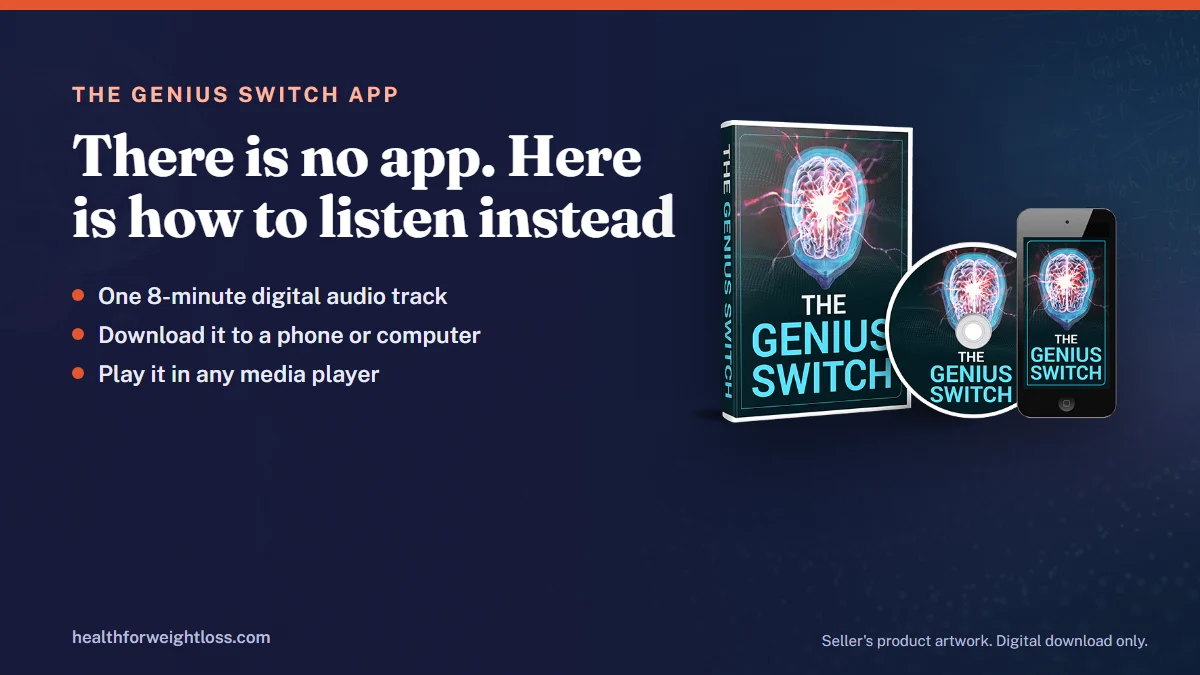
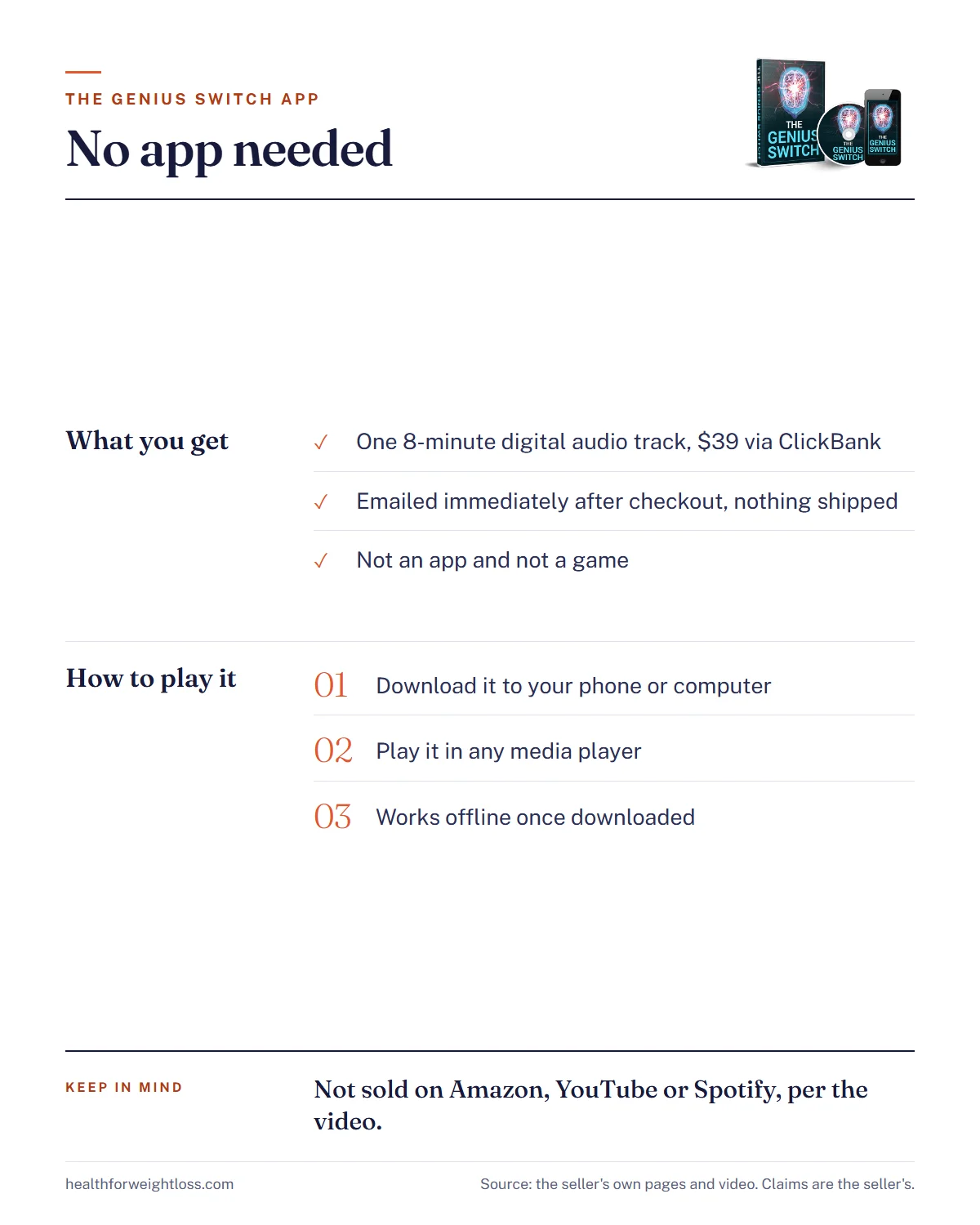
If you are looking for the genius switch app, here is the plain answer first: there is no app. The Genius Switch is not an app and not a game. It is a single audio track that you download and play in the media player you already have, on a phone or a computer. This guide explains what you actually receive, how to play it on each kind of device, how to keep it for offline listening, and which “Genius Switch” apps or streams to be wary of.
What it is, in one line The Genius Switch is a single 8-minute digital audio track sold for $39 through ClickBank. Every benefit described on the sales page and in the video is the seller’s claim, not a proven result.
The Genius Switch app: the short answer
We checked the sales site, the checkout page and the full sales video. None of them offers an app, a download from an app store, a login area you install, or a game. What the seller sells is an audio file.
| Question | Answer |
|---|---|
| Is it an app? | No |
| Is it a game? | No |
| What is it? | One digital audio track, about 8 minutes long |
| How is it delivered? | By email, immediately after checkout, according to the seller |
| What do I play it on? | Any phone or computer media player |
| Do I need internet to listen? | Only to download it; after that it plays offline |
| Price | $39 on the sales page, through ClickBank |
The sales page heading also calls it the “Genius Switch Audio Series”, which may make it sound bigger than it is. The core product is still one track, sold with a few bonus extras.
No app to install, just one audio file
The Genius Switch is a $39 digital track sold through ClickBank and emailed after checkout. The Terms give a 90-day refund window for digital products.
See The Genius Switch OfferOpens the seller’s order page via ClickBank.
What you actually get
The sales video calls the product a “targeted auditory sequence”. In plain terms, it is a recording you listen to for 8 minutes a day with headphones on and your eyes closed. The seller says the track uses “neural sync technology” to sync the two halves of the brain. That is the seller’s explanation, and no published study tests this track. For what binaural beat research does and does not show, see our guide to the Genius Switch and binaural beats.
The Terms of Sale describe the purchase as “a copyrighted digital article for personal use”. That matters in two ways. First, there is no account to log into and no subscription to manage. Second, it is meant for your own use, so do not upload it to a streaming site or share it with friends.
Delivery is by email. The video says the track is emailed immediately once your order completes, and the checkout page describes it as a “Digital Product” with immediate access once payment is approved. Nothing is shipped.
How to listen on your phone
Phones handle downloaded audio well, but the steps differ a little by system. These are general tips, not instructions from the seller.
On an iPhone or iPad
- Open the delivery email in your mail app or browser.
- Tap the track or its download link. If it starts playing in the browser, use the share or download option to save it.
- Saved files usually land in the Files app, in the Downloads folder. Move the track to a folder you will remember, such as “Audio”.
- Tap the file in Files to play it. It will play there without any extra app.
On an Android phone
- Open the email and tap the track or download link.
- The file usually saves to the Downloads folder, which you can reach through the Files or My Files app.
- Tap it to play in your default music or media player.
- If you like, add it to a playlist in your music player so it is one tap away each day.
If you cannot find the file after downloading, search your phone for “Genius” in the Files app. Most “lost” downloads are simply sitting in Downloads under a slightly different name.
How to listen on a computer
On a Windows PC or a Mac, the process is even simpler:
- Open the delivery email in your browser or mail program.
- Download the track. It will usually go to your Downloads folder.
- Double-click it to play in your default media player.
- Plug in headphones before you press play.
A computer is also a good place to keep the master copy. Once it is saved there, you can copy it to a phone, a tablet or a USB stick for backup.
Listening offline and keeping a backup
Because the track is a file rather than a stream, you only need an internet connection once, to download it. After that it plays anywhere: on a plane, in a car park before work, or at home with Wi-Fi off.
A few habits make life easier:
- Save it in two places. For example, your phone and your computer, or your computer and a cloud drive you already use.
- Keep the delivery email. Star it or move it to a folder, along with your ClickBank receipt.
- Rename the file to something obvious, like “Genius Switch 8 min”, so you can find it quickly.
- Turn on Do Not Disturb while you listen, so a notification does not cut into your 8 minutes.
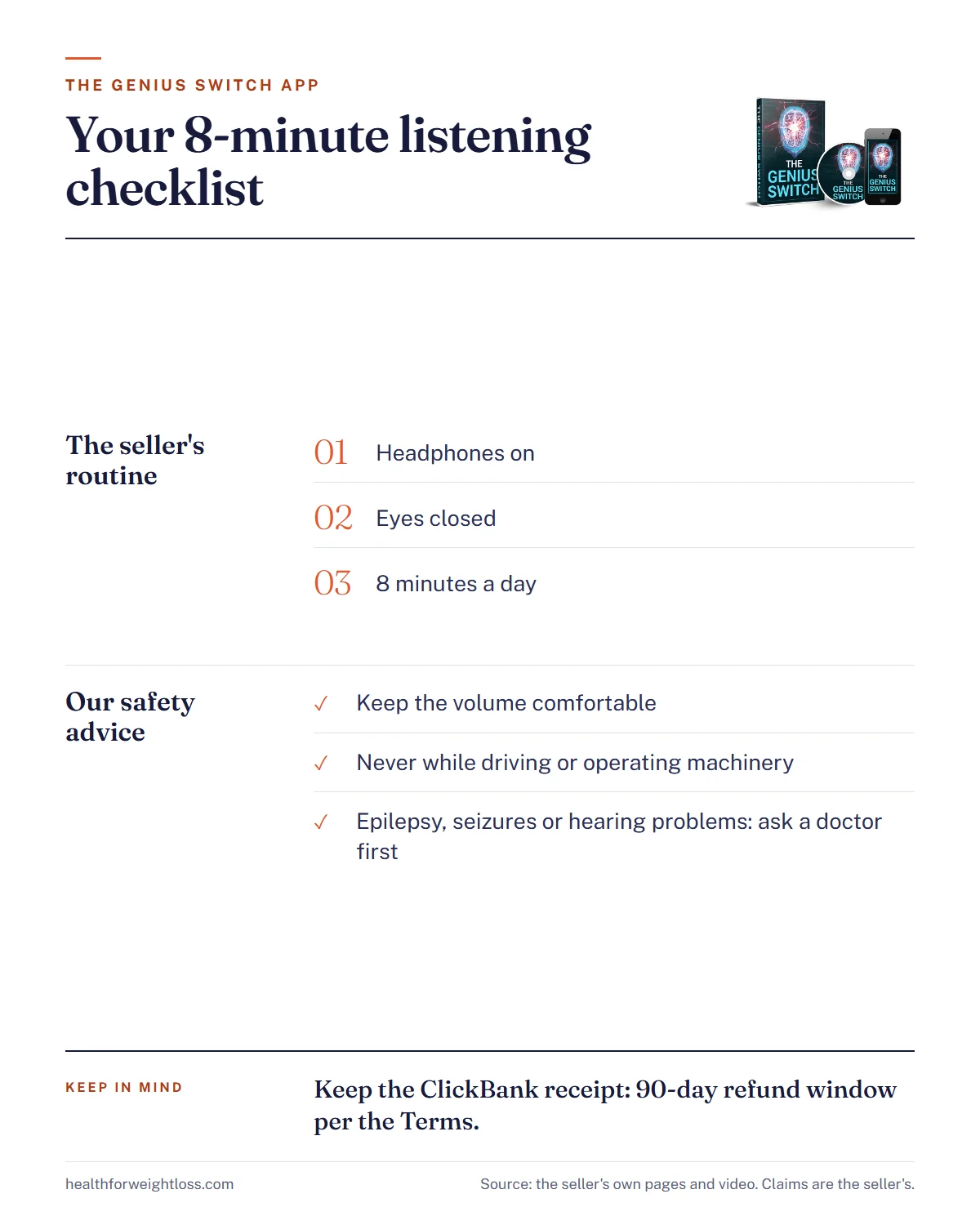
Keeping the receipt is more than housekeeping. The site’s Terms say digital products can be refunded if you ask within 90 days of your initial purchase, and ClickBank’s checkout also states 90 days from purchase. Ignore the separate refund page on the site, which is a copy of a “NeuroActivate” bottle policy (60 days, unopened bottles) and does not fit a digital track. Your ClickBank receipt has the order number any refund request will need.
Ready to download it?
$39 one-time, digital only, no shipping. Keep the ClickBank receipt for the 90-day refund window stated in the Terms.
Check the Current PriceOpens the seller’s order page via ClickBank. Affiliate link: we may earn a commission at no extra cost to you.
Headphones and volume
The seller’s instructions are short: put on headphones, close your eyes and listen. It does not name a brand or type, so any comfortable pair should do, whether wired earbuds, wireless earbuds or over-ear headphones.
Our general safety advice for any audio product like this:
- Keep the volume comfortable. The NIDCD notes that listening through earbuds or headphones at high volume can lead to hearing loss over time. If you cannot hear someone speaking to you at arm’s length, it is too loud.
- Never listen while driving or operating machinery. The track asks you to close your eyes and relax.
- Ask a doctor first if you have a history of epilepsy or seizures, or any hearing problem.
- It is not treatment. The site says the product is “not intended to diagnose, treat, cure, or prevent any disease”.
Fake apps and streams to watch for
Because people search for a Genius Switch app, it is possible that unrelated apps or videos will use similar names. The seller’s own position is clear: the video says the track is not sold on Amazon, YouTube or Spotify, and the presenter, who introduces himself as Dr. Daniel Barone, says the tracks on YouTube and Spotify are not the same. We could not verify his identity or his involvement in the product, but on this narrow point the advice is simple.
- Do not pay for an app that claims to be The Genius Switch. The seller does not offer one.
- Buy only through the official sales page, where checkout runs through ClickBank. The genuine site is geniusswitchoriginal.com. Our Genius Switch website guide covers how to spot look-alikes.
- Check your card statement. A genuine order shows CLKBANK*GeniusSwitch.
- Be careful with emails. Marketing emails after purchase come from GeniusSwitchOfficial.com. Do not enter card details through links in unexpected messages.
The FTC’s online shopping advice applies here too: know who you are buying from, check the details before you pay, and keep records of the order.
A simple daily routine
The seller asks for 8 minutes a day and says missing a day is okay. If you want to try it, linking it to something you already do makes it easier to keep up, for example straight after your evening wind-down or before you sit down to work.
| Step | What to do |
|---|---|
| 1 | Pick a fixed time and a quiet chair |
| 2 | Turn on Do Not Disturb |
| 3 | Put on headphones at a comfortable volume |
| 4 | Close your eyes and play the track |
| 5 | Note in a few words how you feel afterwards |
A short, screen-free break before bed can also support better sleep habits, and sleep plays a part in most health goals. To be clear, though, that is about the routine, not the track. The Genius Switch is not a weight-loss product, and the seller’s weight-loss story is an unverified claim. Benefits the video promises, from faster learning to luck and money, are the seller’s claims too. A simple note after each session will tell you more about whether it suits you than any testimonial will.
Want to try the 8-minute routine?
One digital audio track, $39 through ClickBank, emailed after checkout. Refund requests for digital products within 90 days, per the Terms.
Go to the Order PageOpens the seller’s order page via ClickBank. Affiliate link: we may earn a commission at no extra cost to you.
Bottom line
There is no Genius Switch app and no Genius Switch game. You buy one 8-minute audio track for $39 through ClickBank, it arrives by email, and you play it in the media player already on your phone or computer. Download it once, keep a backup and your receipt, listen with headphones at a comfortable volume, and never while driving. Be wary of any app or stream that claims to be the product, and judge the track by your own experience rather than by the promises in the video.
Get the track, not an app
$39 digital download via ClickBank. Save the email and receipt, and note the 90-day refund window in the Terms.
Get The Genius SwitchOpens the seller’s order page via ClickBank. Affiliate link: we may earn a commission at no extra cost to you.